Introducing the Flare CLI original
by Freek Van der Herten – 4 minute read – Edit
At Flare, we track errors and monitor performance for your applications. Until now, that meant opening the Flare dashboard in your browser whenever you wanted to check on things.
We just released the Flare CLI, a command-line tool that lets you manage your errors, projects, and performance monitoring data directly from the terminal. It also ships with an agent skill that lets AI coding agents like Claude Code and Cursor use Flare on your behalf. And the fun part: the entire CLI was built with almost no hand-written code, generated from our OpenAPI spec.
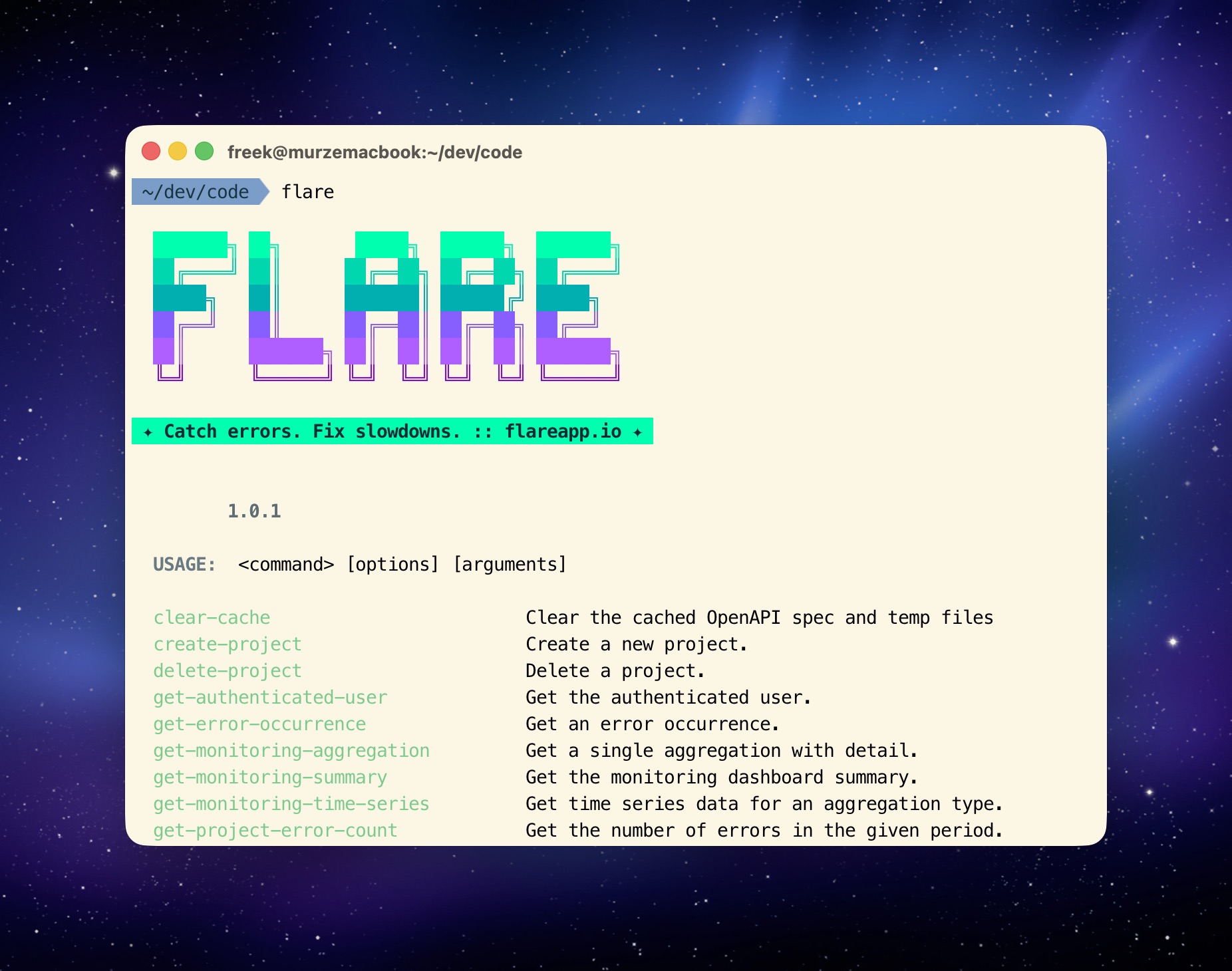
Let me walk you through how to install and use the CLI.
Installation and authentication
Install the CLI globally via Composer:
composer global require spatie/flare-cli
Before you can do anything useful, you need to authenticate. Create an API token in your Flare account settings and run:
flare login
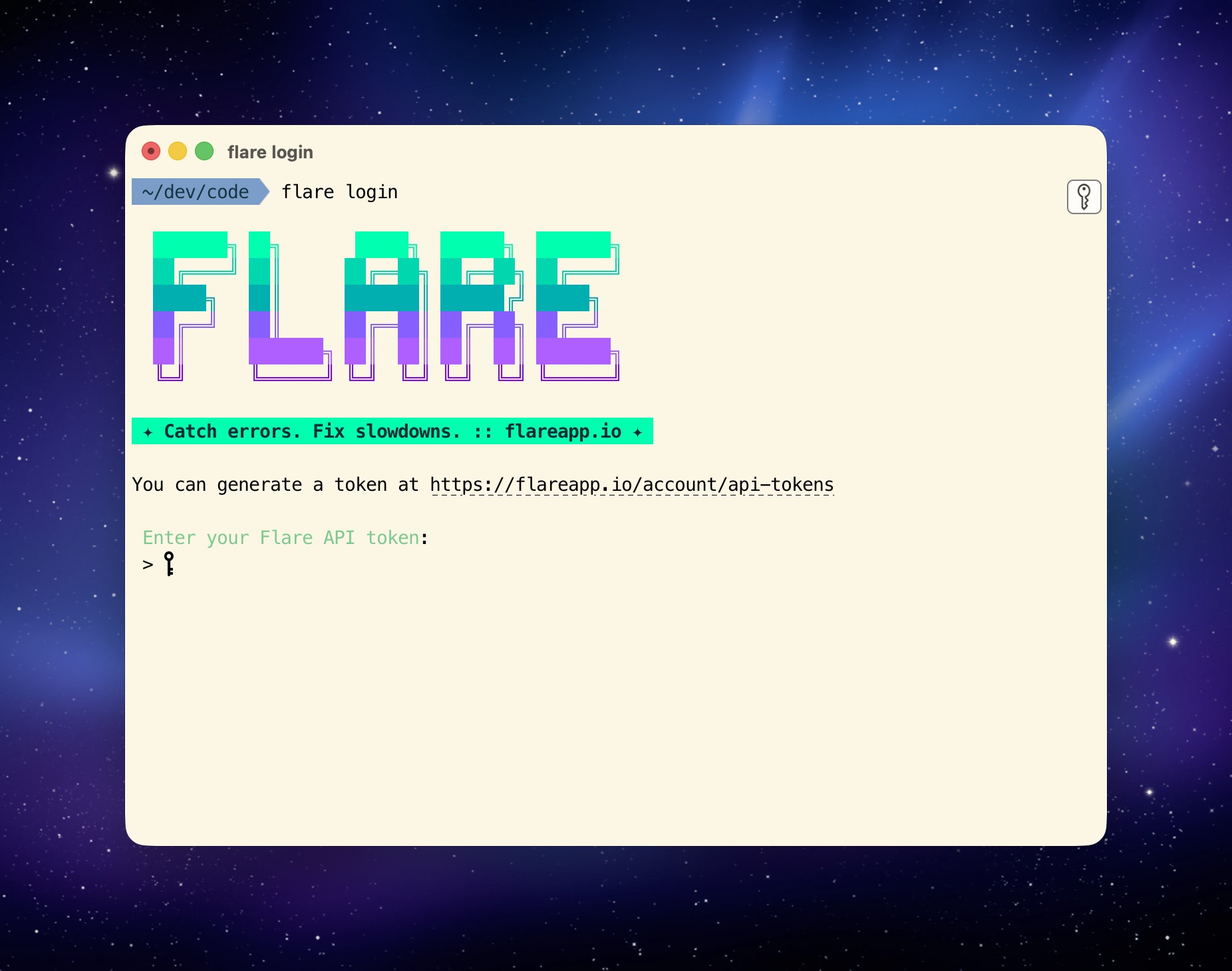
After you've logged in you can start using the CLI. Every single Flare API endpoint has a corresponding CLI command.
Managing projects and errors
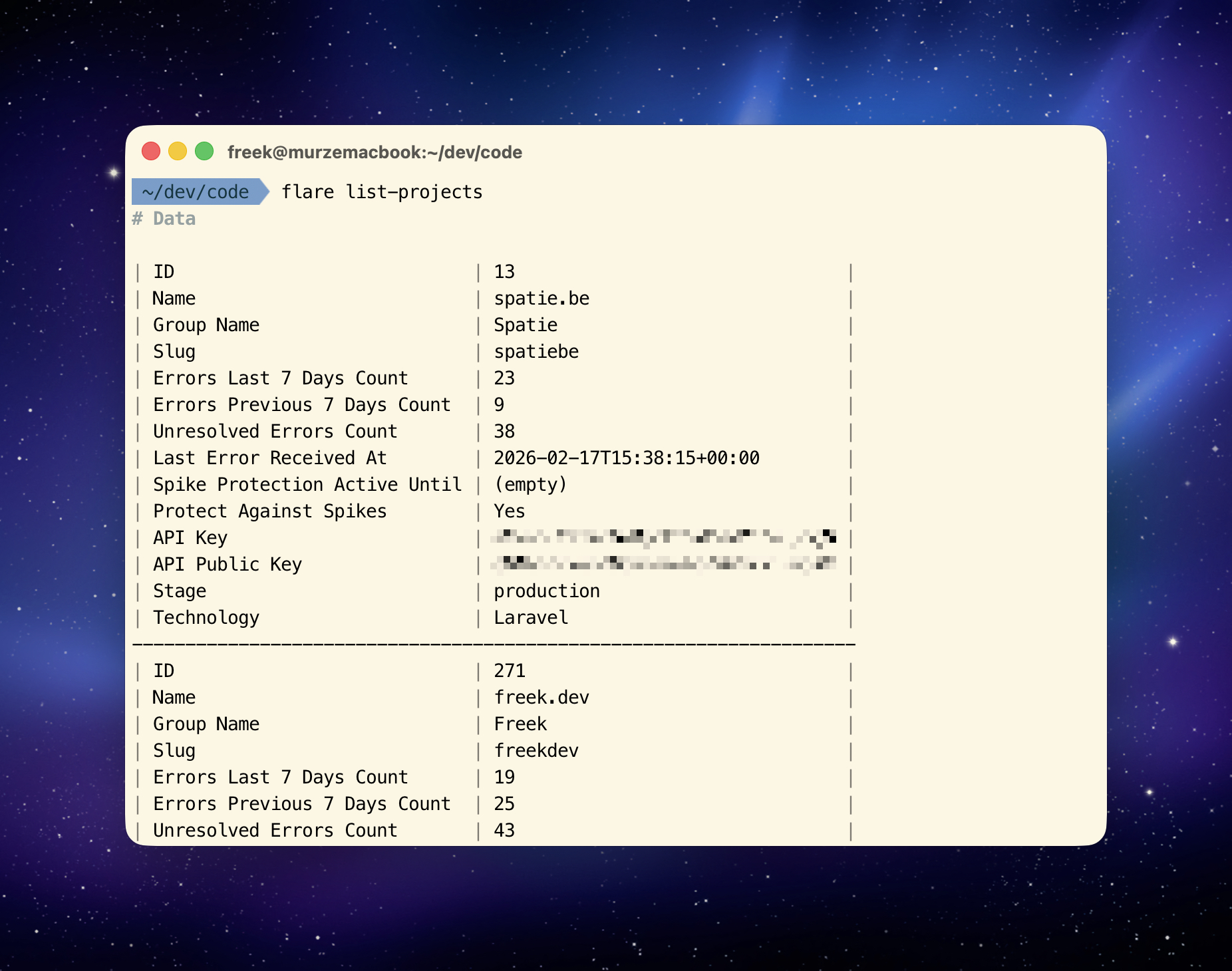
Let's start with something simple, listing all projects.
flare list-projects
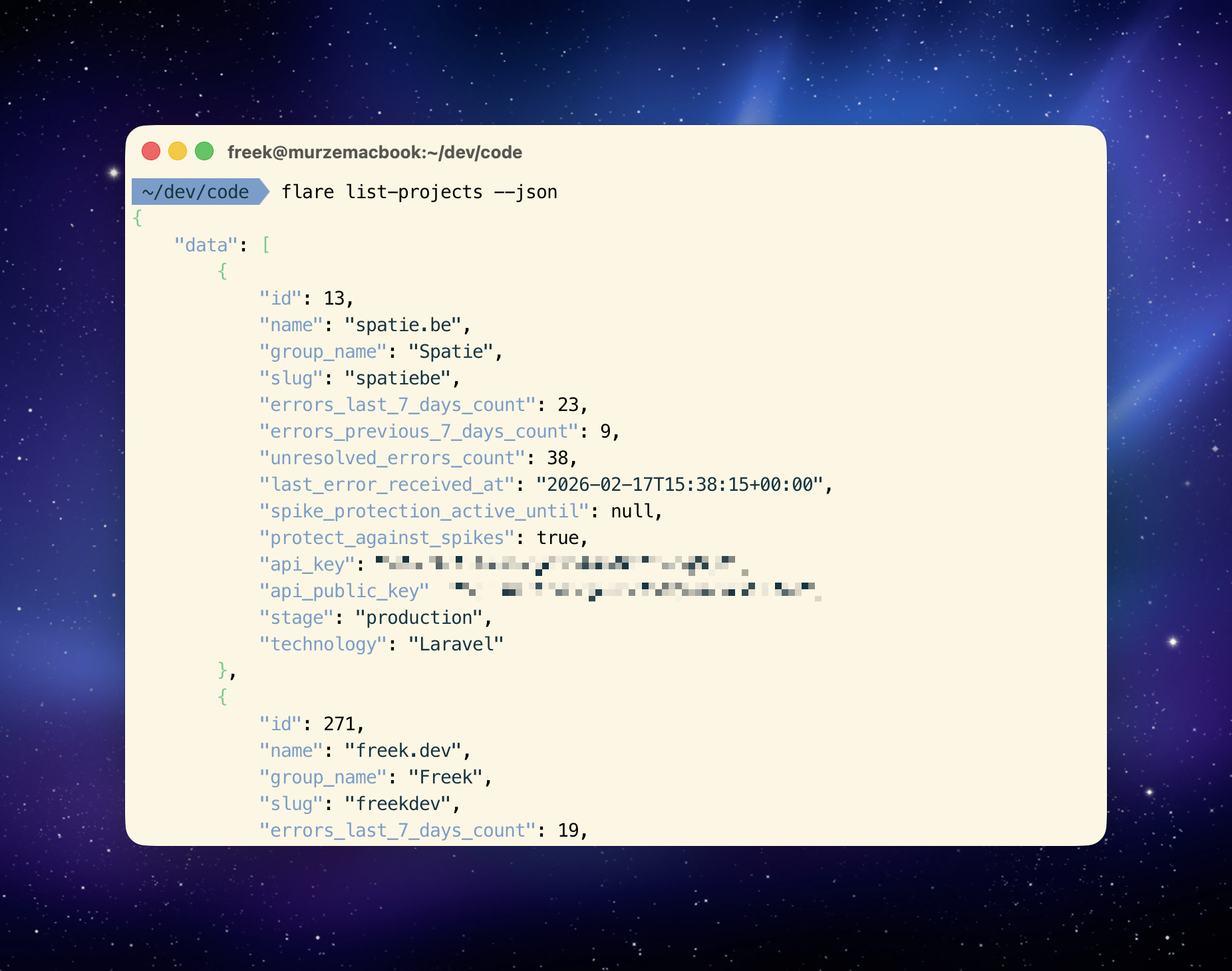
All of the commands accept a --json flag which will... output JSON. Handy if you want to parse the results.
Here's how to list errors in a project. You can filter by status, exception class, file, stage, log level, and date ranges:
flare list-project-errors --project-id=123 \
  --filter-status=open \
  --filter-exception-class=RuntimeException \
  --sort=-last_seen_at
You can resolve, snooze, and unsnooze errors without ever leaving the terminal:
flare resolve-error --error-id=456
flare snooze-error --error-id=456 \
  --field snooze_type=snooze_forever
Performance monitoring
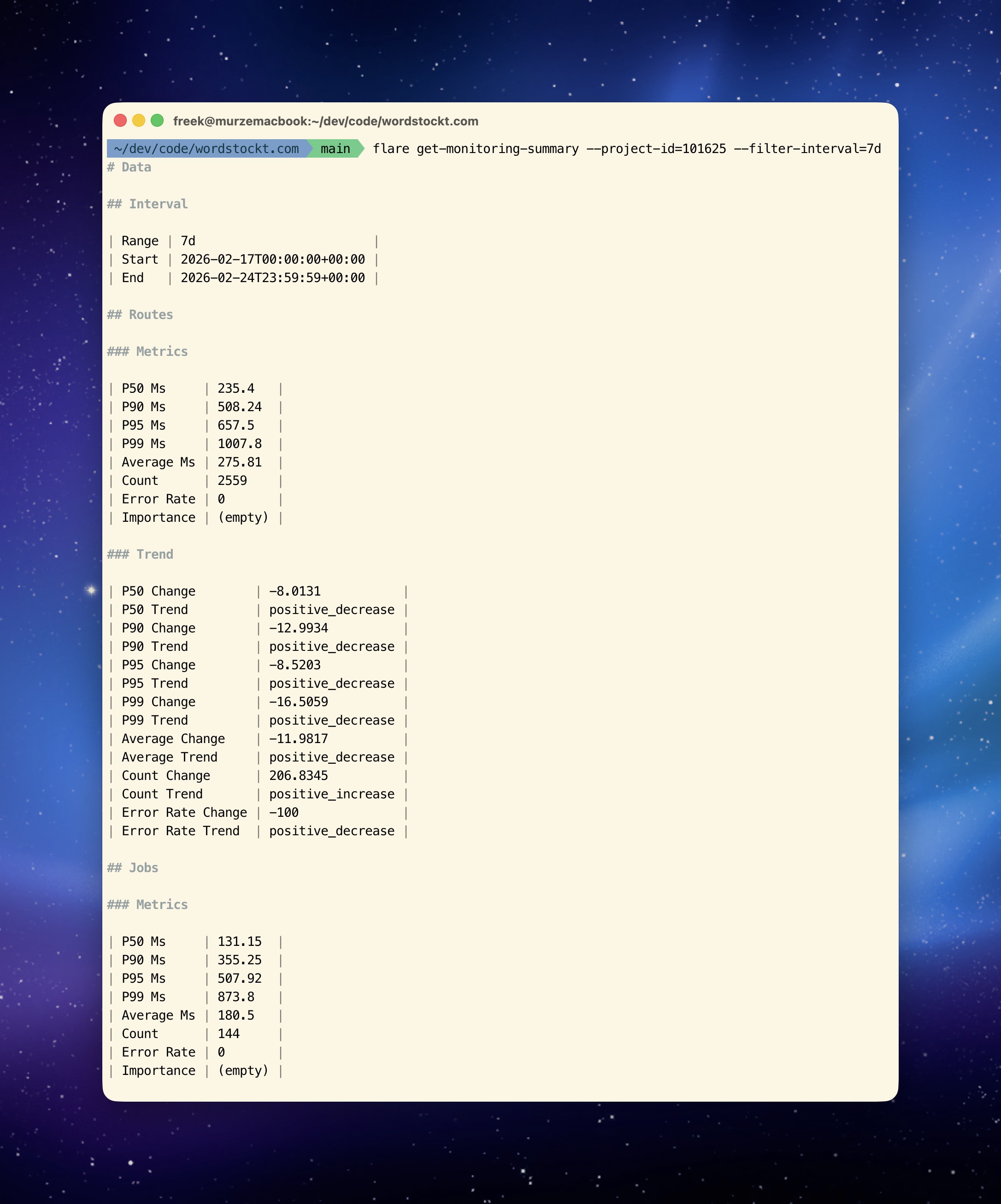
The CLI also gives you access to all of Flare's performance monitoring data. Get a summary for a project, list the slowest routes, queries, or jobs, and drill down into traces:
flare get-monitoring-summary --project-id=1234 --filter-interval=7d
This outputs performance data, slow routes, queries, and more.
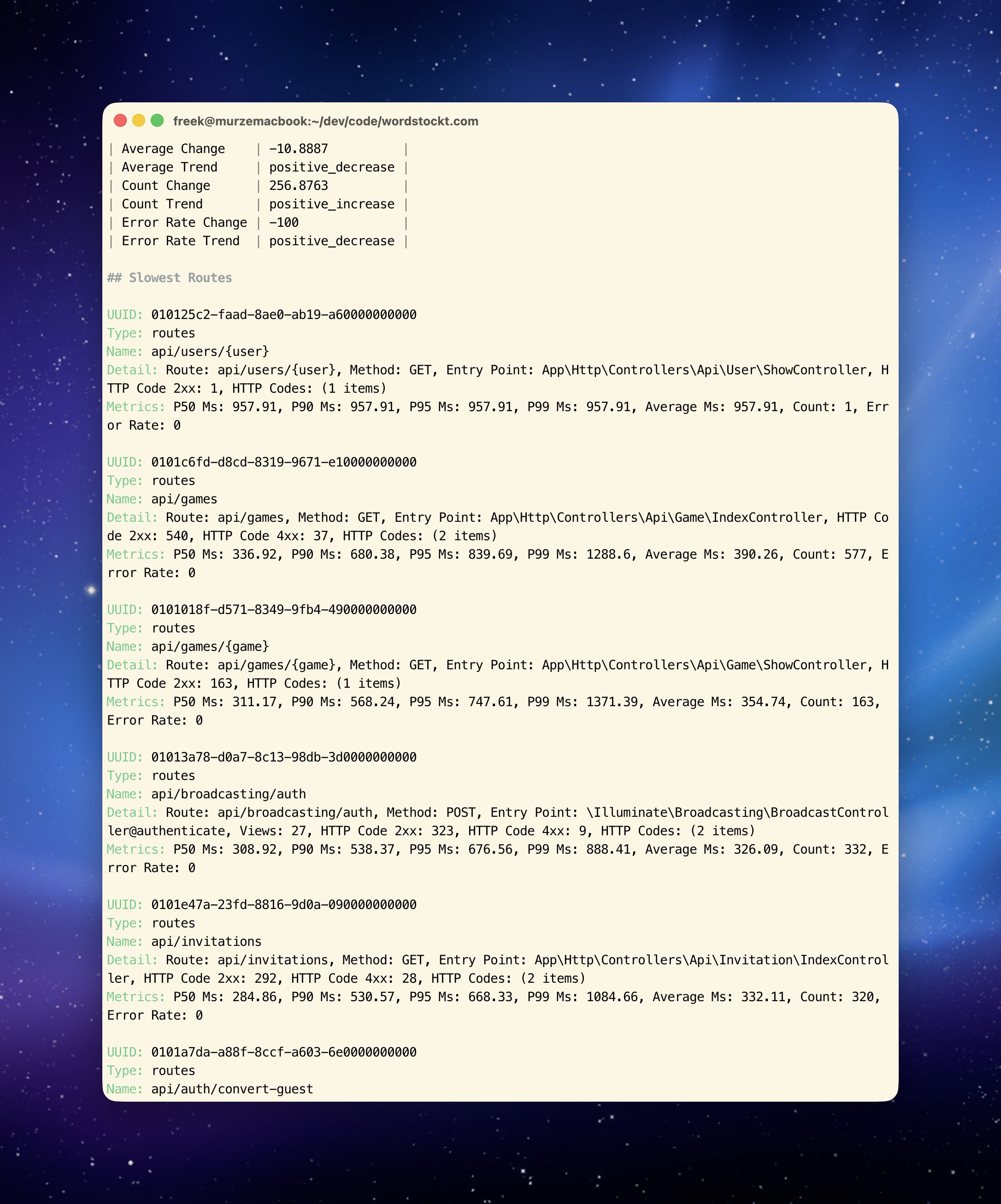
There are more CLI commands to dig even deeper into all of this performance data, down to the tracing level. You'll find all of the possible commands in our docs.
In closing
The Flare CLI is currently in beta. My colleague Alex did an excellent job creating it. If you run into anything or have feedback, reach out to us at support@flareapp.io.
Want know why we built this CLI? Then read this post on letting your AI coding agent use the Flare CLI to triage errors, investigate performance issues, and even fix bugs for you.
And if you're curious about the technical side, read about how we built this CLI with almost no hand-written code.
You can find the source code on GitHub and the full documentation on the Flare docs site.
Flare is one of our products at Spatie. We invest a lot of what we earn into creating open source packages. If you want to support that work, consider checking out our paid products.