Building a PHP CLI for humans and AI agents with almost no hand-written code original
by Freek Van der Herten – 6 minute read – Edit
We recently released the Flare CLI, a command-line tool to manage your errors and performance data. It also ships with an agent skill that lets AI coding agents use Flare on your behalf.
The CLI has dozens of commands and hundreds of options, yet we only wrote four commands by hand. Our laravel-openapi-cli package made this possible: point it at an OpenAPI spec, and it generates fully typed artisan commands for every endpoint automatically.
Here's how we put it all together.
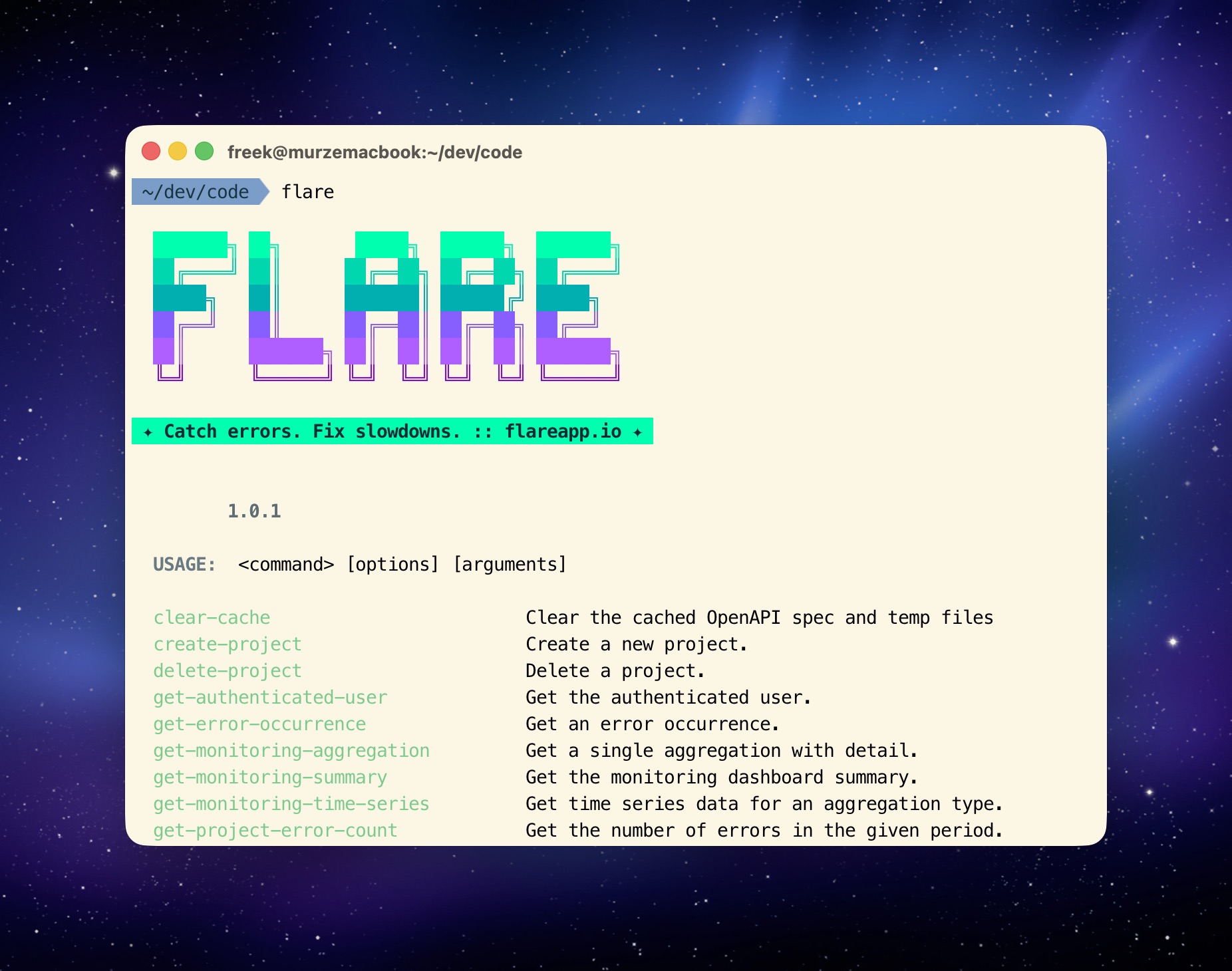
How we built it
The Flare CLI combines Laravel Zero for the application skeleton, our laravel-openapi-cli package for automatic command generation, and an agent skill to make everything accessible to AI. Let's look at each piece.
Laravel Zero as the foundation
The Flare CLI is built with Laravel Zero, which lets you create standalone PHP CLI applications using the Laravel framework components you already know. Routes become commands, service providers wire everything together, and you get dependency injection, configuration, and caching out of the box.
But the really interesting part is what generates the commands.
Generating commands from an OpenAPI spec
The entire CLI is powered by our laravel-openapi-cli package. This package reads an OpenAPI spec and generates artisan commands automatically. Each API endpoint gets its own command with typed options for path parameters, query parameters, and request bodies.
The core of the Flare CLI is this single registration in the AppServiceProvider:
OpenApiCli::register(specPath: 'https://flareapp.io/downloads/flare-api.yaml')
    ->useOperationIds()
    ->cache(ttl: 60 * 60 * 24)
    ->auth(fn () => app(CredentialStore::class)->getToken())
    ->onError(function (Response $response, Command $command) {
        if ($response->status() === 401) {
            $command->error(
                'Your API token is invalid or expired. Run `flare login` to authenticate.',
            );

            return true;
        }

        return false;
    });
That's it. That one call registers the Flare OpenAPI spec and generates every single API command. The useOperationIds() method uses the operation IDs from the spec as command names, so listProjects becomes list-projects, resolveError becomes resolve-error, and so on. The spec is cached for 24 hours so the CLI doesn't need to fetch it on every invocation. Authentication is handled by pulling the token from the CredentialStore, and the onError callback provides a friendly message when the token is invalid.
Only four hand-written commands
If you browse the app/Commands directory, you'll find only four hand-written commands: LoginCommand, LogoutCommand, InstallSkillCommand, and ClearCacheCommand. Everything else, every single API command for errors, occurrences, projects, teams, and performance monitoring, is generated at runtime from the OpenAPI spec.
The CredentialStore is straightforward. It reads and writes a JSON file in the user's home directory:
class CredentialStore
{
    private string $configPath;

    public function __construct()
    {
        $home = $_SERVER['HOME'] ?? $_SERVER['USERPROFILE'] ?? '';

        $this->configPath = "{$home}/.flare/config.json";
    }

    public function getToken(): ?string
    {
        if (! file_exists($this->configPath)) {
            return null;
        }

        $data = json_decode(file_get_contents($this->configPath), true);

        return $data['token'] ?? null;
    }

    public function setToken(string $token): void
    {
        $this->ensureConfigDirectoryExists();

        $data = $this->readConfig();
        $data['token'] = $token;

        file_put_contents(
            $this->configPath,
            json_encode($data, JSON_PRETTY_PRINT | JSON_UNESCAPED_SLASHES),
        );
    }
}
No database, no keychain integration, just a plain JSON file at ~/.flare/config.json. Simple and portable.
Making it AI-friendly with an agent skill
A CLI with consistent, predictable commands is already a great interface for AI agents. But to make it even easier, the Flare CLI ships with an agent skill that teaches agents how to use it:
flare install-skill
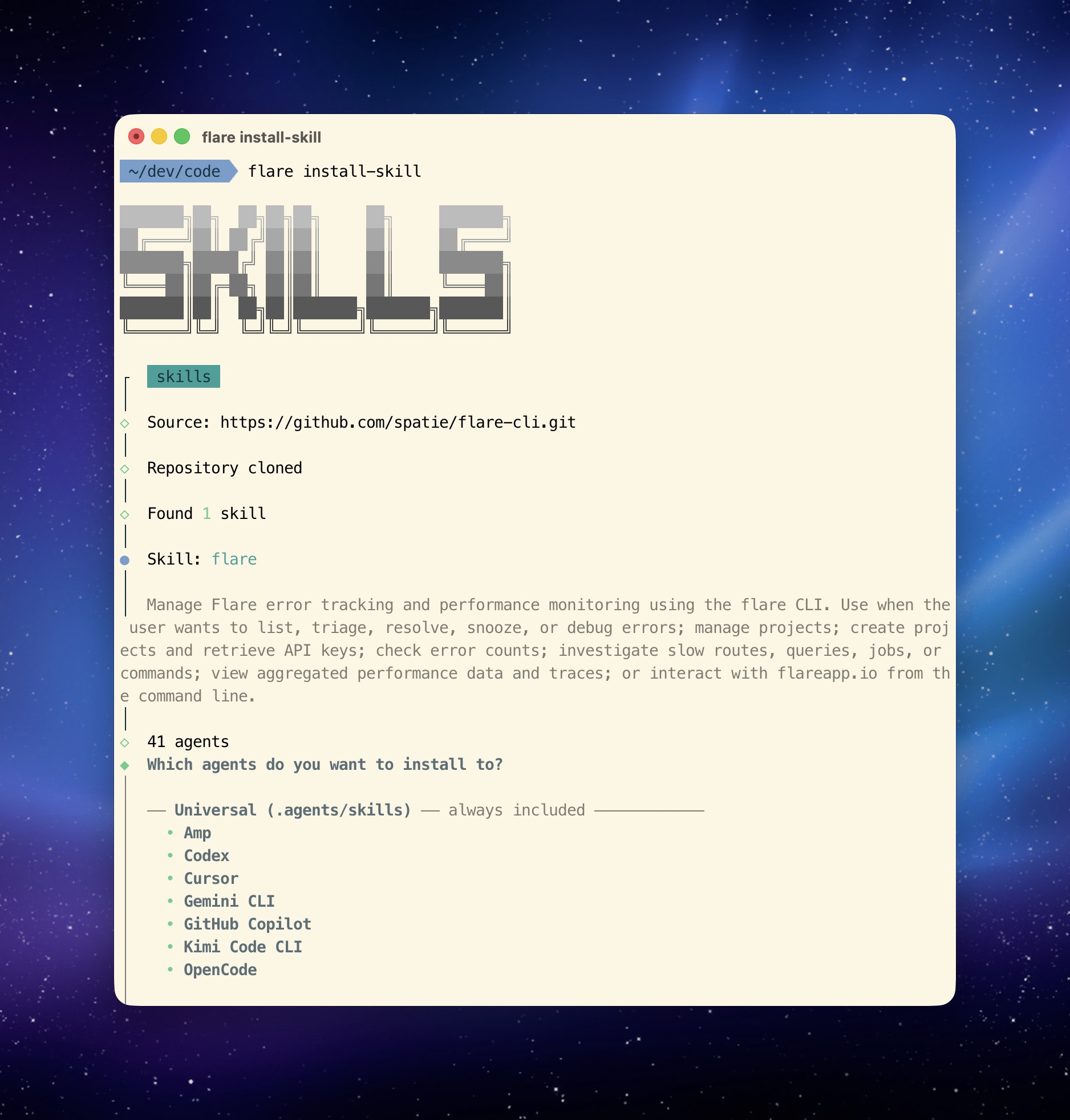
The skill file gets added to your project directory and any compatible AI agent will automatically pick it up. It includes all available commands, their parameters, and step-by-step workflows for common tasks like error triage and performance investigation.
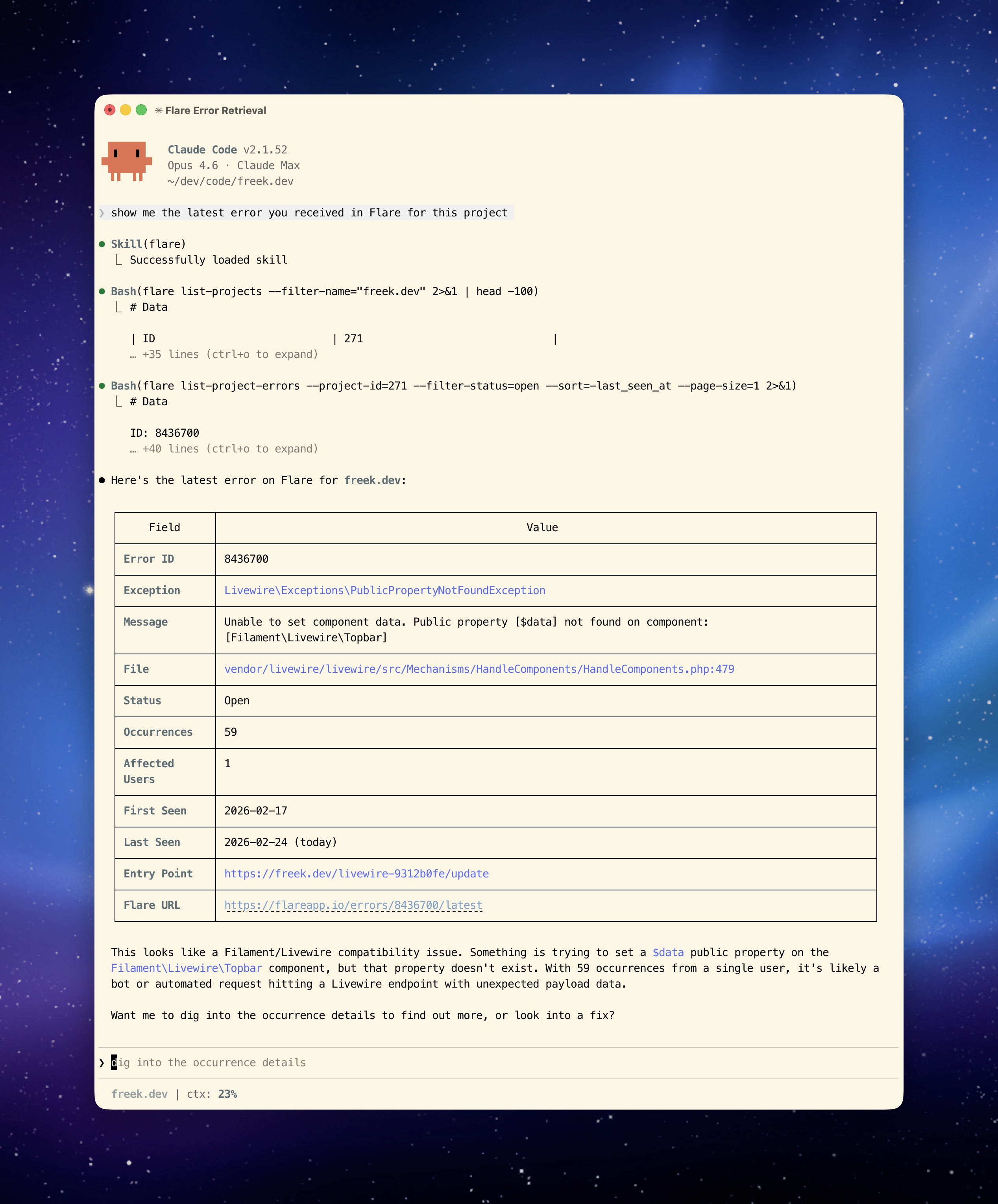
This is a pattern any API-driven service can follow: if you have an OpenAPI spec, you can use laravel-openapi-cli to generate a full CLI, add an agent skill file that describes how to use it, and your service instantly becomes accessible to both humans and AI agents.
Automatic evolution
The best part of this approach: when the Flare API evolves and new endpoints are added, the CLI picks them up automatically the next time it refreshes the spec. No code changes, no new releases needed for API additions.
The same approach powers the Oh Dear CLI
We used the exact same technique to build the Oh Dear CLI. Oh Dear is our website monitoring service, and its CLI also uses laravel-openapi-cli to generate all commands from the Oh Dear OpenAPI spec. The result is a full-featured CLI for managing monitors, checking uptime, reviewing broken links, certificate health, and more.
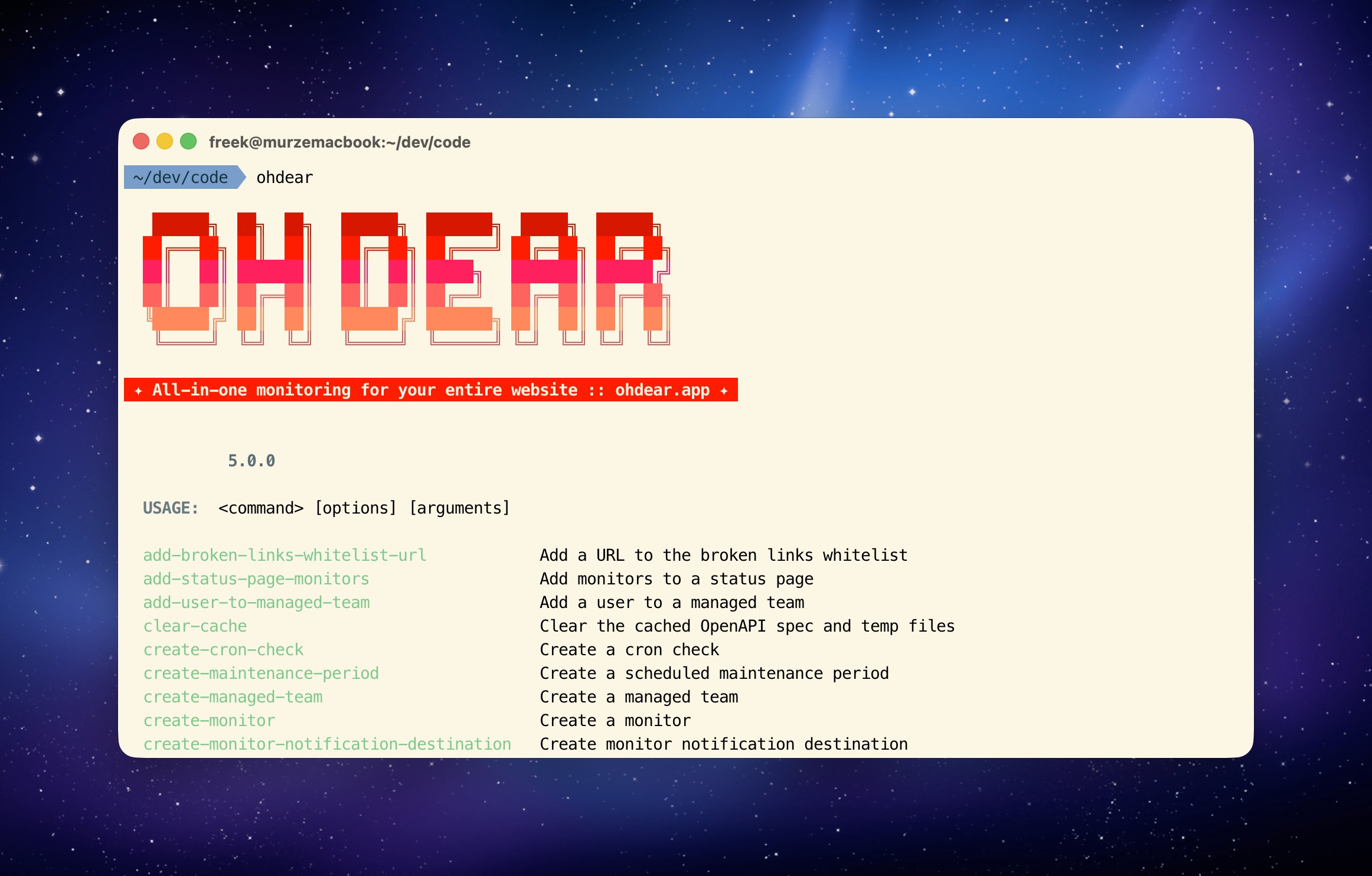
If you have a service with an OpenAPI spec, this pattern works out of the box. Point laravel-openapi-cli at your spec and you get a complete CLI for free.
In closing
The combination of Laravel Zero for the application skeleton and laravel-openapi-cli for the command generation means the Flare CLI is mostly configuration and a handful of custom commands. If your service has an OpenAPI spec, you can build a similar CLI in an afternoon.
To see the CLI in action, check out the introduction to the Flare CLI for a full walkthrough of all available commands. We also wrote about letting your AI coding agent use the CLI to triage errors, investigate performance issues, and fix bugs for you.
The Flare CLI is currently in beta. My colleague Alex did an excellent job creating it. If you run into anything or have feedback, reach out to us at support@flareapp.io.
You can find the source code on GitHub and the full documentation on the Flare docs site. The laravel-openapi-cli package that powers the command generation has its own documentation as well.
Flare is one of our products at Spatie. We invest a lot of what we earn into creating open source packages. If you want to support that work, consider checking out our paid products.