Let your AI coding agent fix your errors and review performance original
by Freek Van der Herten – 4 minute read – Edit
The Flare CLI lets you manage errors and performance monitoring from the terminal. It was built with almost no hand-written code, generated from our OpenAPI spec. Having a CLI is useful on its own, but where it gets really interesting is when you let an AI coding agent use it.
The Flare CLI ships with an agent skill that teaches AI agents like Claude Code, Cursor, and Codex how to interact with Flare on your behalf. Let me show you how it works.
Installing the skill
Install the skill in your project:
flare install-skill
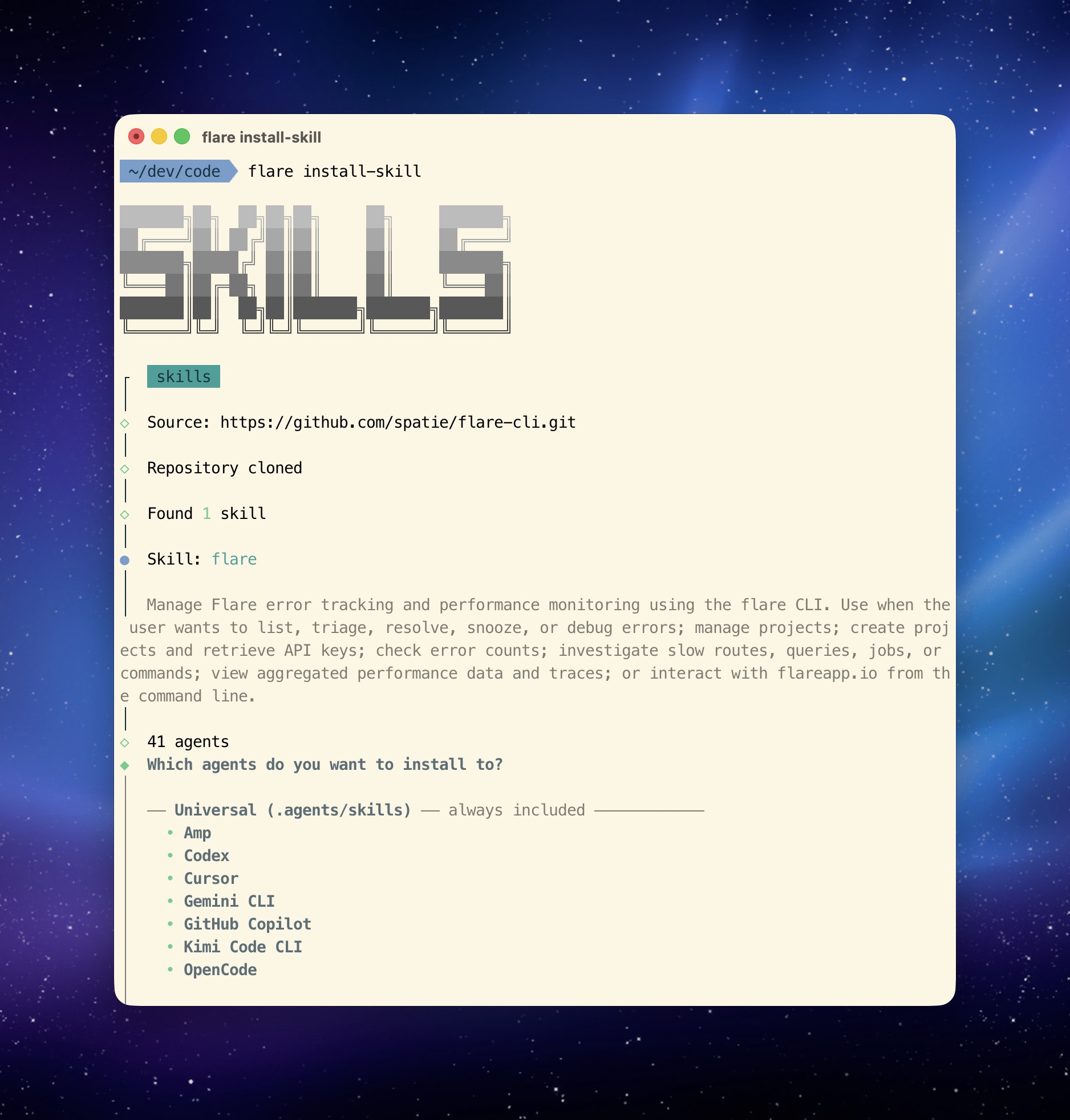
That's it. The skill file gets added to your project directory and any compatible AI agent will automatically pick it up.
From there, you can ask your agent things like "show me the latest open errors" or "investigate the most recent RuntimeException and suggest a fix" or "show me the slowest routes in my app."
What the agent can do
The skill includes detailed reference files with all available commands, their parameters, and step-by-step workflows for common tasks like error triage, debugging with local code, and performance investigation.
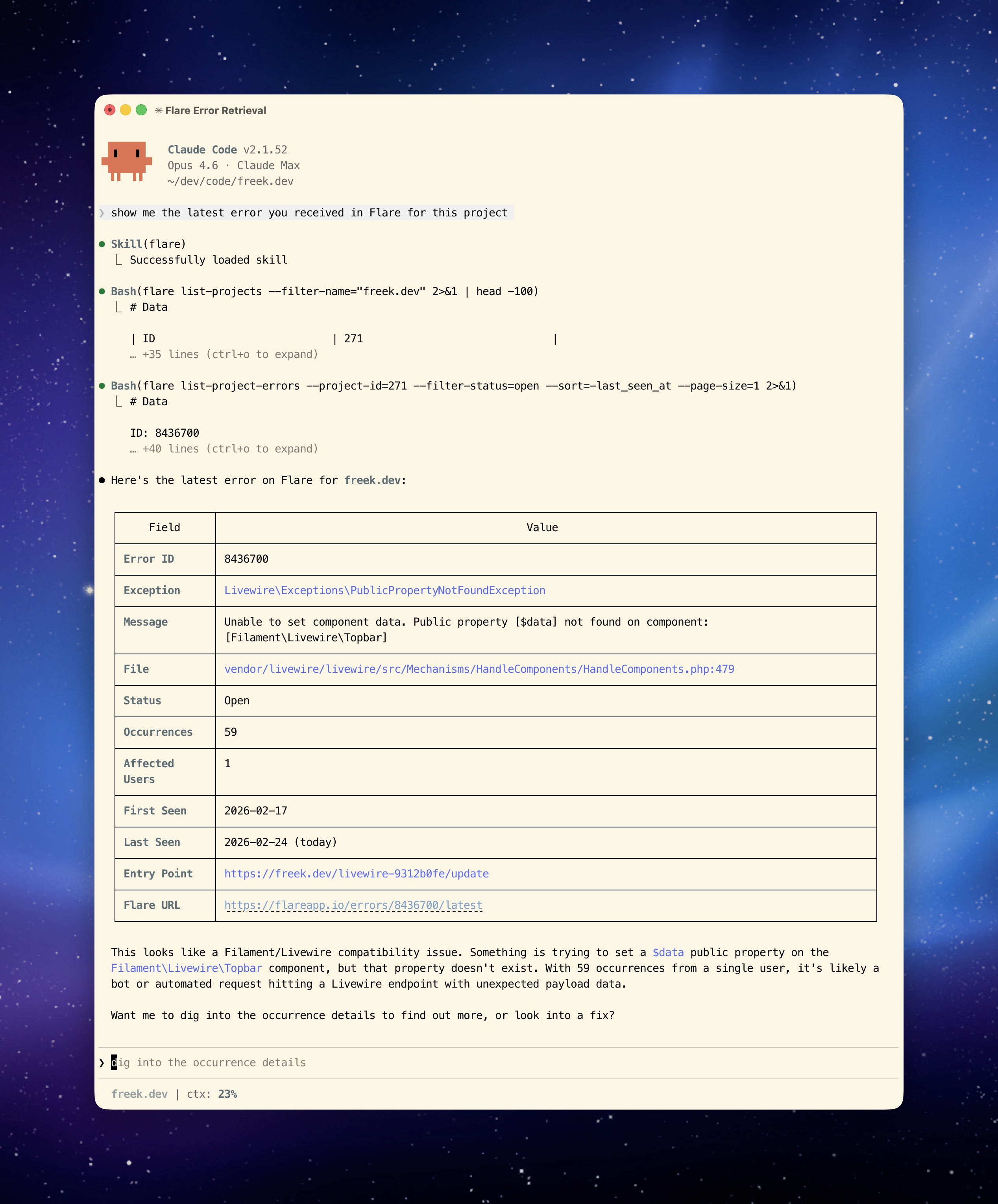
The agent knows how to fetch an error occurrence, find the application frames in the stack trace, cross-reference them with your local source files, check the event trail for clues, and present the AI-generated solutions.
From error discovery to resolution
In the following video, I look up the latest error on freek.dev using the CLI, ask the AI to fix it, use bash mode to run my deployment command, and then ask the AI to mark the error as resolved in Flare. The entire flow, from discovery to resolution, happens without leaving the terminal.
AI-powered performance reviews
In this next video, the AI creates a performance report for mailcoach.app. I then ask it what I can improve, and it comes back with actionable suggestions based on the actual monitoring data:
Why the skill over MCP
We also offer an MCP server that gives AI agents access to the same data and actions. So why do we prefer the skill approach?
The skill is a single flare install-skill command and you're done. No per-client server configuration, no running a separate process, no dealing with transport protocols. It's just a file that lives in your project.
Skills are portable. They work with any agent that supports the skills.sh standard. Move to a different AI tool tomorrow and the skill comes along. With MCP, you need to reconfigure the server connection for each client.
Skills also compose naturally with other skills. Your agent might already have skills for your database, your deployment pipeline, or your test suite. The Flare skill slots right in alongside those, and the agent can use them together. With MCP, each tool is a separate server with its own connection.
That said, the AI development landscape is evolving quickly. The MCP server is there if your agent or workflow works better with it.
In closing
The combination of a CLI and an agent skill gives AI coding agents direct access to your error tracker and performance data. Instead of copy-pasting from a dashboard, your agent can fetch the data it needs, cross-reference it with your code, and propose fixes.
You can read about installing and using the Flare CLI for a full walkthrough of the available commands. And if you're curious how we built the CLI itself (spoiler: with almost no hand-written code), read about why a CLI + agent skill is the best way to let AI use your service.
The Flare CLI is currently in beta. If you run into anything or have feedback, reach out to us at support@flareapp.io.
You can find the source code on GitHub and the full documentation on the Flare docs site.
Flare is one of our products at Spatie. We invest a lot of what we earn into creating open source packages. If you want to support that work, consider checking out our paid products.