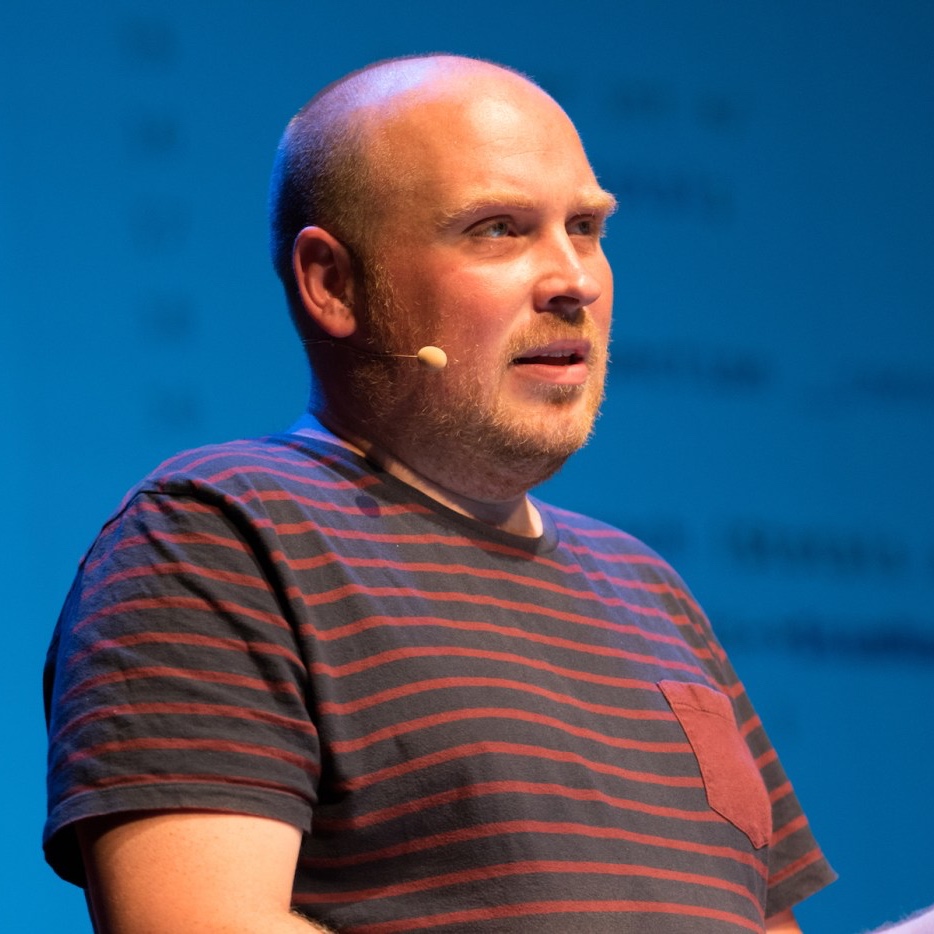
Marina Posniak, UX writer at Spotify, shares some great tips on how to write error messages well.
To start, ask yourself if you even need the error message. Before writing anything, consider if there’s a way to redesign the experience so there’s no error at all. Is there a way to just make it work? (Really, the best error message is no error message.)
But if you do need it, think carefully about the message. When things go wrong and the app “fails,” say something useful. The message should help the user solve the problem and move on.
Rémi Collin shares a cool approach on where to place code that doesn't really belong in a controller. He creates small, reusable, testable, decoratable classes, called Actions.
Using this approach can seems a lot of classes at first. And, of course the user registration is a simple example aimed to keep the reading short and clear. Real value starts to become clear once the complexity starts growing, because you know your code is in one place, and the boundaries are clearly defined.
Get my monthly newsletter with what I learn from running Spatie, building Oh Dear, and maintaining 300+ open source packages. Practical takes on Laravel, PHP, and AI that you can actually use.
No spam. Unsubscribe anytime.
You can also follow me on X.
"Freek publishes a super resourceful and practical newsletter. A must for anyone in the Laravel space"
In a new video Jason McCreary, the creator of the wonderful Laravel Shift, demonstrates a few good tips to clean up code. In the video below Jason uses a code snippet taken from my side project Oh Dear!
John Bonaccorsi, a developer from Tighten, wrote some good ways of structuring model factories in a Laravel app.
Thanks to class-based model factories, our test setup went from being a bloated mess to simple and succinct. The optional fluent methods give us flexibility and make it obvious when we are intentionally changing our world. Should you read this blog post and immediately go and update all of your model factories to be class-based instead? Of course not! But if you begin to notice your tests feeling top heavy, class-based model factories may be the tool to reach for.
Sebastian De Deyne, package creator and JavaScript wizard at Spatie, gives some good tips on how to report an issue well.
Maintaining a number of open source projects comes with a number of issues. Reporting a good issue will result in a more engaged approach from project maintainers. Don't forget: there's a human behind every project.
In an older, but still very interesting article, Mattias Verraes has some interesting thoughts on form, command and model validation.
Many of the frameworks I’ve worked with, promise to separate responsibilities with MVC. In practice, they end up coupling everything to everything. The forms are coupled to the models, and there’s a grand unified validation layer. This may be convenient at first, but it breaks down for larger systems, and creates headaches when having to support multiple clients. My approach is to clearly separate the validation for the form itself, from the Command validation and the model validation.
Mattias Noback gives some good tips for refactoring legacy code.
"Combing" legacy code by untangling the strings is a good way to improve it and take back control over it. In existing legacy code, you should stop (re)using existing methods, making them ever more generic. Instead, you create new methods, and copy code from existing ones, allowing you to simplify this copied code and end up with a manageable class.
It took me a couple of months to get this to a working state, so I hope that I'm able to save you some time should you find yourself in my shoes at some point in the future!
If you find yourself having a bunch of slow tests that don't need to execute every time you run the tests, take a look at PHPUnit's defaultTestSuite setting. TJ Miller explains it in a blog post he wrote last year.
To avoid running the interactive test suite with the rest of my tests, manually or via a CI job, I had to explicitly include all the other suites using phpunit --testsuite Api,Feature,Unit. This felt a bit grim and I would rather exclude just that one suite. So I did some digging and found the defaultTestSuite configuration for phpunit.
#30daysWithEloquent customize relations on your models as necessary in your domain. Don't be afraid to add more relations that describe your logic better.
Here's a video of a great talk by Sandi Metz she gave at RailConf 2015.
Our code is full of hidden assumptions, things that seem like nothing, secrets that we did not name and thus cannot see. These secrets represent missing concepts and this talk shows you how to expose those concepts with code that is easy to understand, change and extend. Being explicit about hidden ideas makes your code simpler, your apps clearer and your life better. Even very small ideas matter. Everything, even nothing, is something.
In a new post on his blog Sebastian De Deyne shares a few services and tools he uses to help him with naming things.
One of the hardest (and sometimes frustrating) tasks in a programmer's day-to-day workload is naming things. When I have a hard time finding that perfect word, I generally wind up in one of two situations:
I have a plausible name in mind, but I'm not entirely satisfied with it
I have no idea what I could possibly name it
Luckily, there are tools out there that can be of help.
Michael D. Hill posted a great new video on his blog where he makes the case for optimizing for scannability.
As programmers trying to ship more value faster, we want to optimize first around the part of the work that we spend the most time on, and that is scanning code– formulating little, tiny questions and flipping through the code looking for the answers. We optimize for scanning by focusing our attention on sizing, grouping, and, above all else, naming.
My colleague Brent has some good thoughts on where to place curly brackets.
Dedicating a whole blogpost to curly brackets might seem like overkill but I believe it's worth thinking about them. Not just because of one curly bracket, but because there's a bigger message in all this. Thinking about how we read and write code not only improves the quality of that code, it also increases our own and others ease of mind when working with it. It can improve the fluency of your work and free your mind to think about real important stuff.
Martin Hujer shares some pretty good tips for working with Composer.
Although most PHP developers know how to use Composer, not all of them are using it efficiently or in a best possible way. So I decided to summarize things which are important for my everyday workflow.
The philosophy of most of the tips is "Play it safe", which means that if there are more ways how to handle something, I would use the approach which is least error-prone.
In a new post to his site Mathieu Napoli makes the case for organising your code based on it's function rather than it's type.
We recently discussed 2 topics seemingly unrelated with my colleagues at Wizaplace: how to organize code? How to organize teams?
...
Organizing code into domain modules is not a silver bullet but it forces to better understand the problem we are solving and better structure our code.
Frederick Vanbrabant published another delirious rant on his blog. This time it's about atomic commits.
Atomic commits, sometimes also called micro commits, is the practice of explaining your thought process in the form of commit messages and code. It comes down to documenting the way to the solution.
???? Symmetry is a hallmark of clean code. Symmetrical code is not only easy to read, but also predictable. Here are a few areas to check your code for symmetry. pic.twitter.com/jGVdR0aek7