artisan

All my posts about artisan.

A package to enable short class names in an Artisan tinker session

Tinker is probably one of my most used Artisan commands. A minor annoyance is that it can be quite bothersome having to type the fully qualified classname to do something simple.
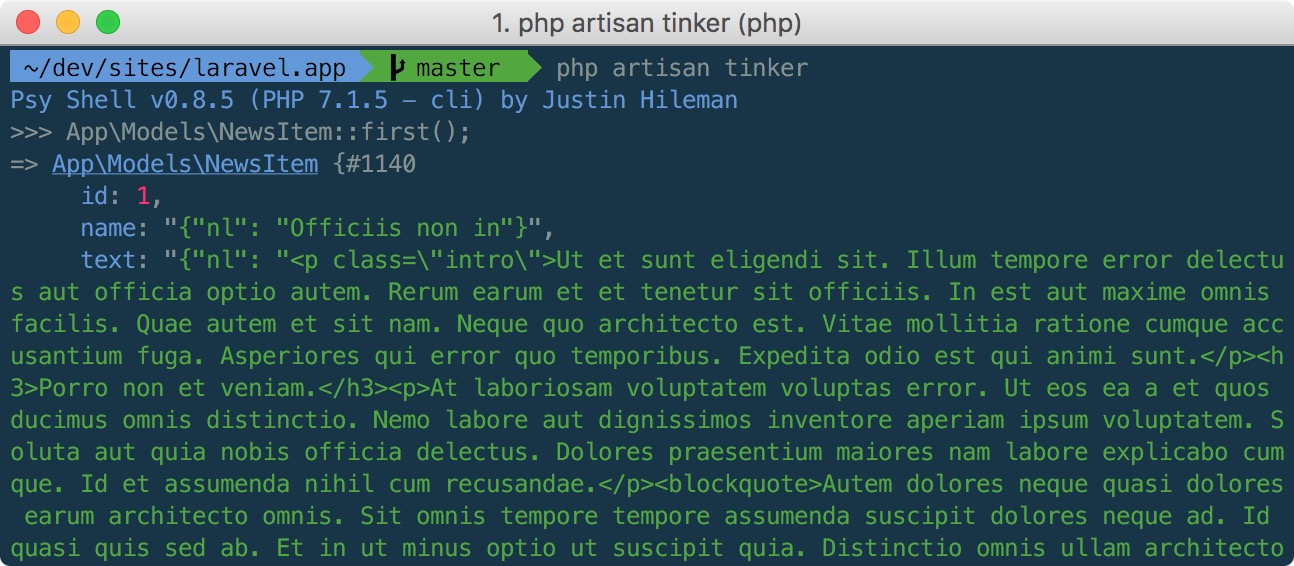
Today we release a new package called laravel-tinker-tools. When fully installed let's you use the short class names in a tinker session:
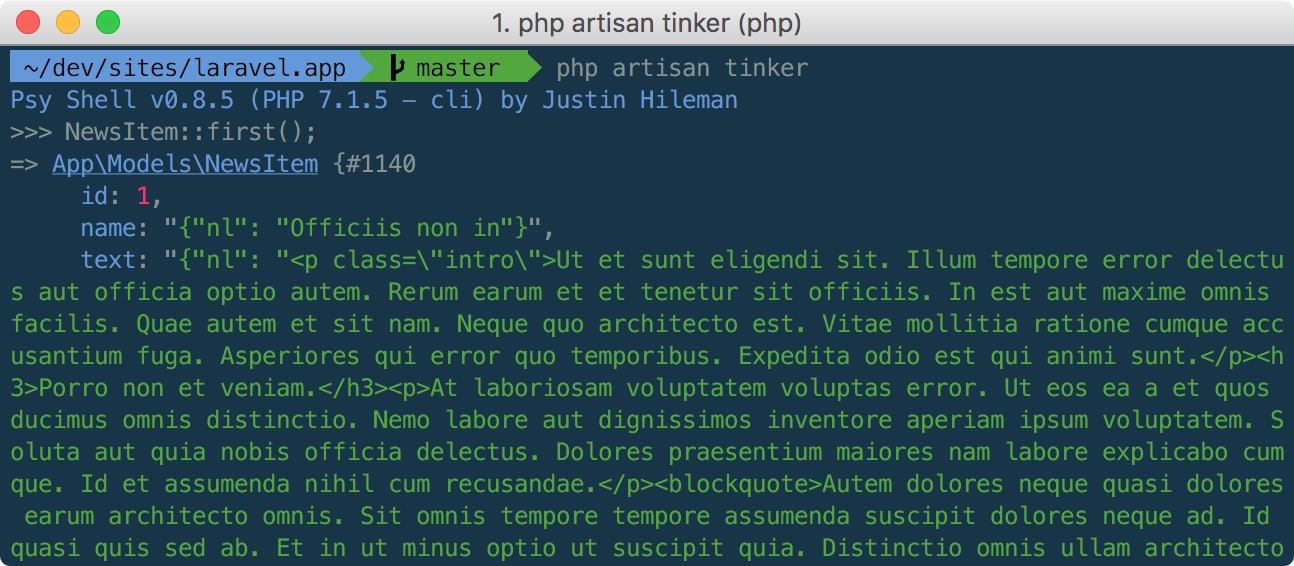
This magic does not only work with models but with every class in your Laravel app.

Installing the package

There are a few non standard steps you need to take in order to install the package.

First, pull in the package like you normally would:

composer require spatie/laravel-tinker-tools

Next, create a file named .psysh.php in the root of your Laravel app with this content:

<?php

\Spatie\TinkerTools\ShortClassNames::register();

Finally, dump the optimized version of the autoloader so autoload_classmap.php gets created.

composer dump-autoload -o

And with that all out of the way you can use short class names in your tinker session.

A peek behind the curtains

When you use a class that hasn't been loaded in yet, PHP will call the registered autoloader functions. Such autoloader functions are responsible for loading up the requested class. In a typical project Composer will register an autoloader function that can include the file where the class is stored in.

Composer has a few ways to locate the right files. In most cases it will convert the fully qualified class name to a path. For example, when using a class App\Models\NewsItem Composer will load the file in app/Models/NewsItem.php. It's a bit more complicated behind the scenes but that's the gist of it. To make the process of finding a class fast, Composer caches all the fully qualified classnames and their paths in the generated autoload_classmap.php, which can be found in vendor/composer.

Now, to make this package work, \Spatie\TinkerTools\ShortClassNames will read Composer's autoload_classmap.php and convert the fully qualified class names to short class names. The result is a collection that's being kept in the $classes property

Our class will also register an autoloader. When you use NewsItem in your code. PHP will first call Composer's autoloader. But of course that autoloader can't find the class. So the autoloader from this package comes next. Our autoloader will use the aforementioned $classes collection to find to fully qualified class name. It will then use class_alias to alias NewsItem to App\Models\NewsItem.

What happens if there are multiple classes with same name?

Now you might wonder what'll happen it there are more classes with the same name in different namespaces? E.g. App\Models\NewsItem, Vendor\PackageName\NewsItem. Well, autoload_classmap.php is sorted alphabetically on the fully qualified namespace. So App\Models\NewsItem will be used and not Vendor\PackageName\NewsItem.

Because App starts with an "A" there's a high chance that, in case of a collision, a class inside your application will get picked. Currently there are no ways to alter this. I'd accept PRs that make this behaviour customizable.

Need more tinker magic?

There are a lot of other options that can be set in tinker.config.php. Learn all the options by reading the official psysh configuration documentation. Caleb Porzio's excellent blogpost "Supercharge Your Laravel Tinker Workflow" is an excellent read as well. This package was inspired by that blogpost

Maybe you don't need tinker...

If you want to run a single line of code tinker can be a bit of overkill. You must start up tinker, type the code, press enter, and quit tinker. Our laravel-artisan-dd package contains an Artisan command that can dump anything from the commandline. No need to start and quit tinker anymore.
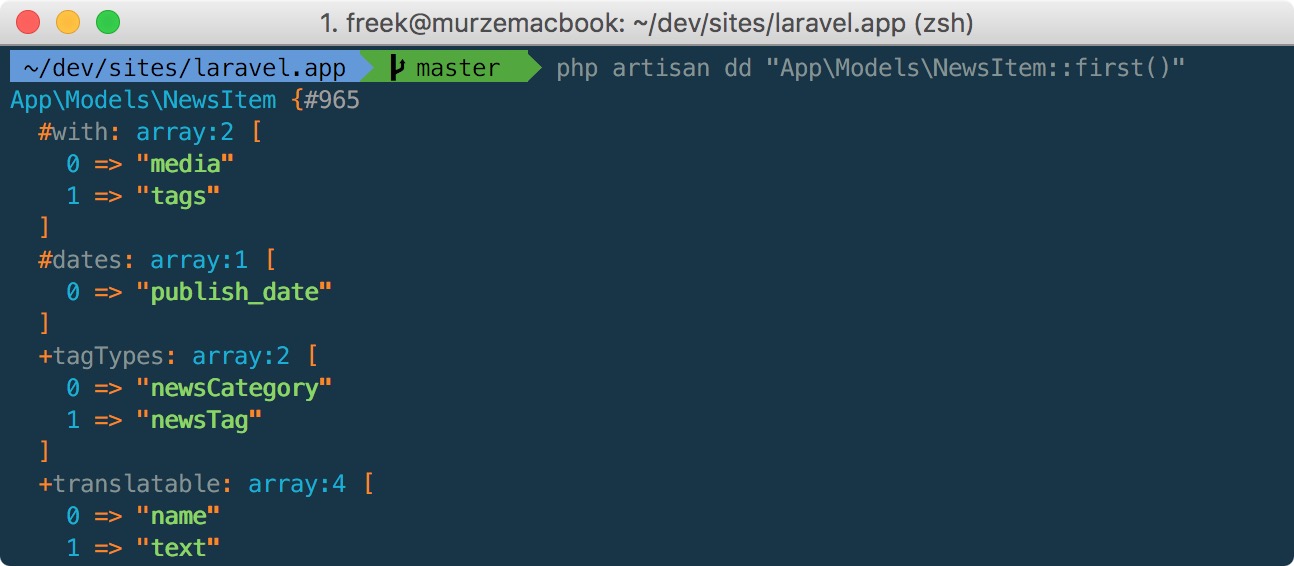
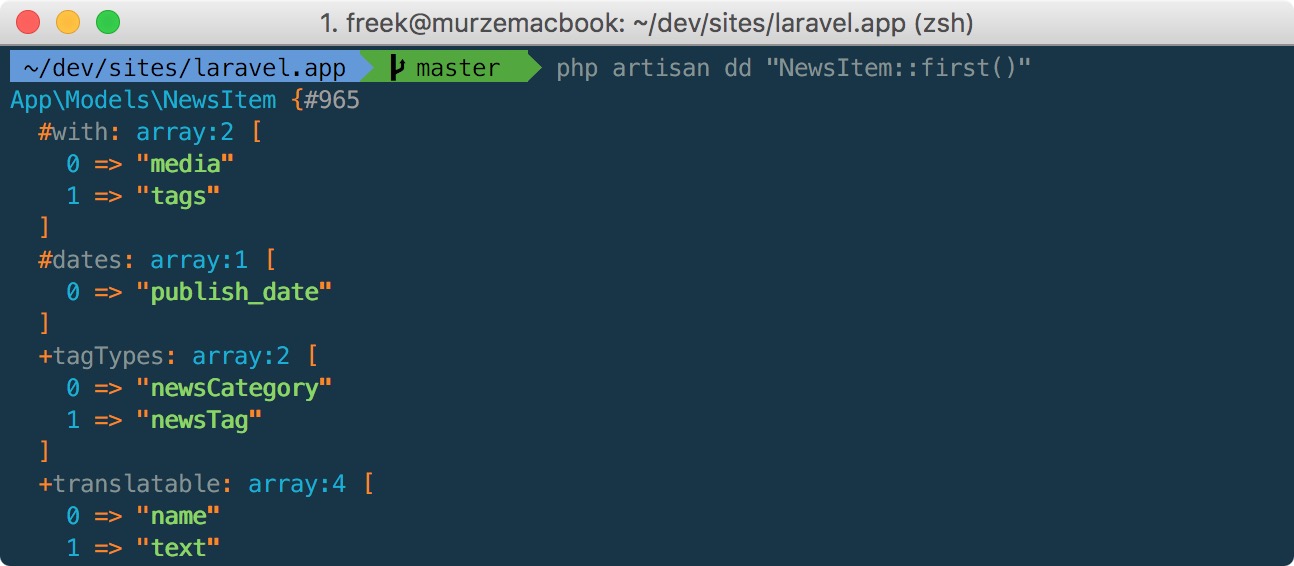
We've updated the package so you can make use of short class names too. Here's how you can dump a model using a minimal amount of keystrokes:
In closing

laravel-tinker-tools and laravel-artisan-dd aren't the only packages we've made that make developing Laravel apps easier.

Be sure to take a look at these ones at well:

Need even more stuff? The open source section on our company website lists everything we've released previously: https://spatie.be/en/opensource
Read more

Quickly dd anything from the commandline original

by Freek Van der Herten – 2 minute read

Laravel's tinker command allows to run any code you want as if you are inside your Laravel app. But if you want to run a single line of code if can be a bit bothersome. You must start up tinker, type the code, press enter, and quit tinker. Our new spatie/laravel-artisan-dd package contains an…

Read more

Join 9,500+ smart developers

Get my monthly newsletter with what I learn from running Spatie, building Oh Dear, and maintaining 300+ open source packages. Practical takes on Laravel, PHP, and AI that you can actually use.

No spam. Unsubscribe anytime. You can also follow me on X.

A Laravel package to quickly dump and load the database original

by Freek Van der Herten – 1 minute read

Last week our team released a new package called laravel-db-snapshots. It provides a few artisan commands to quickly dump and load a database. We've built this for is to help us develop features in an app that require the database to be in a specific state. With this package we can take a dump of…

Read more

An artisan command to easily test mailables

Most of the Laravel apps we create at Spatie will send mails. This can be a password reset mail, a welcome mail after registration, an order confirmation mail, ... One of the things we do is styling such mails so it has the same look and feel as the site it was sent from. When testing such mails our designers had to request a password reset or go through the entire checkout flow just to receive such an order confirmation mail. To make that testing process a lot easier we've created a package called laravel-mailable-test. This package provides an artisan command that can send a mailable to an mail-address.

To send any mailable issue this artisan command:

php artisan mail:send-test "App\Mail\MyMailable" recipient@mail.com

This will send the given mailable to the given email address. The to-, cc- and bcc-addresses that may be set in the given mailable will be cleared. The mail will only be sent to the email address given in the artisan command.

The package will provide a value for any typehinted argument of the constructor of the mailable. If an argument is a int, string or bool the package will generated a value using Faker. Any argument that typehints an Eloquent model will receive the first record of that model.

Image the constructor of your mailable looks like this:

public function __construct(string $title, Order $order) 
{
   ...
}

That constructor will receive a string generated by the sentence method of Faker and the first Order in your database.

The values that are passed to the constructor of the mailable can be customized using the values option of the command.

php artisan mail:send-test "App\Mail\MyMailable" recipient@mail.com --values="title:My title,order:5"

Using this command My title will be passed to $title and an Order with id 5 will be passed to $order.

To learn more about the package head over to the readme on GitHub. Be sure take also take a look at this list of Laravel packages our team has previously made.

Read more

Testing interactive Artisan commands

For a new package I'm working on I had to test some Artisan commands. The commands I want to test contain calls to ask and confirm to interactively get some input by the user. I had a little trouble finding a way to tests such commands, but luckily a blogpost by Mohammed Said pointed me in the right direction, which was to leverage partial mocks.

Here's the most interesting part, Artisan Commands can ask the user to provided specific pieces of information using a predefined methods that cover all the use cases an application might need. ... So we mock the command, register the mocked version in Kernel, add our expectations for method calls, and pretend the user response in the form of return values. ...

http://themsaid.com/building-testing-interactive-console-20160409/

Read more

A package to sync your .env file with .env.example

In a Laravel app most sensitive configuration values, like a db password, are being saved in an .env file. This file usually does not get committed in a git repo. In this way you can share the repo with collaborators without having them to know the sensitive values of your production environment.

The keys of the .env are often saved in an .env.example file that is saved in the repo. This helps you and your collaborators get up to speed quickly when installing the app locally. They can immediately see which environment variables are needed to run the app.

Over time however you might add a variable to .env and forgetting to add it to .env.example. It's a mistake that is easily made, and I have made that mistake many times in the past (sorry co-workers).

A couple of days ago Julien Tant released laravel-env-sync. This package makes sure the .env file is in sync with .env.example. After having installed the package you can run this artisan command to perform the sync:

php artisan env:sync

Thanks Julien for that awesome little package.

Read more

How to install MCrypt on Yosemite to enable Laravel Artisan

The accepted solution thus far has been to install newer versions of PHP alongside Apple’s version using Homebrew or MacPorts. This would likely require you to compile the MCrypt extension manually. I also found that Homebrew could leave your system in disarray if things went wrong (more than once I had to do a complete restore because of this).

However, there’s another method I came across while research some non-related issues: install the latest version of PHP from a binary that includes the MCrypt extension. It will not bork up your system if you want to remove it, either.

https://medium.com/@genealabs/run-allthecommands-outside-of-homestead-e2fc8d05251f

Read more