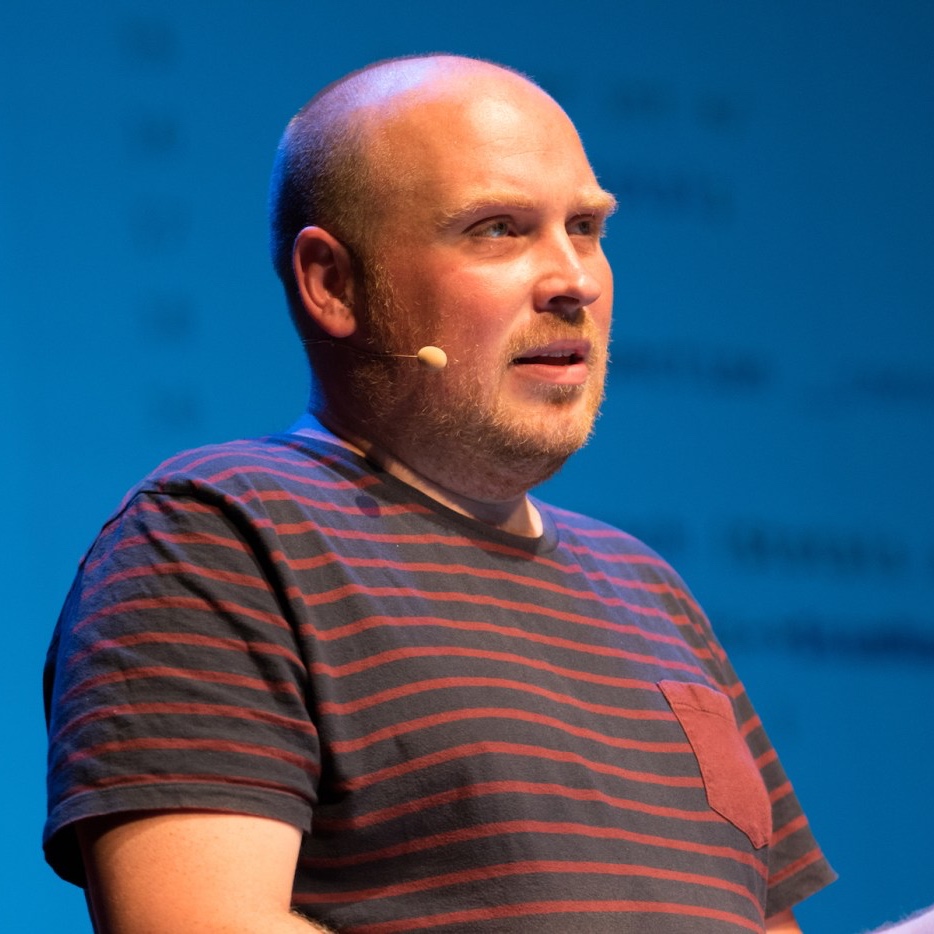
How to create custom git aliases for a project
In a short post on his blog Joeri Timmermans explains how to create per project git alias that can be shared with a team.
http://www.pix-art.be/post/how-to-create-custom-git-aliases-for-a-project
Posts tagged with workflow
In a short post on his blog Joeri Timmermans explains how to create per project git alias that can be shared with a team.
http://www.pix-art.be/post/how-to-create-custom-git-aliases-for-a-project
Dries Vints does not blog often, but when he does it's very much worth your time to read.
We all have specific ways of setting up our computer. It's all different somehow. The apps we use, our IDE settings, what shell we prefer, what programming languages we work with, the tools we prefer. How on earth are we going to get that specific setup back the way we had it before our computer broke down?https://driesvints.com/blog/getting-started-with-dotfilesEnter dotfiles.
You can find Dries' dotfiles on GitHub. Mine can be found here.
Join 9,500+ smart developers
Get my monthly newsletter with what I learn from running Spatie, building Oh Dear, and maintaining 300+ open source packages. Practical takes on Laravel, PHP, and AI that you can actually use.
No spam. Unsubscribe anytime. You can also follow me on X.
"As a Laravel developer, this is the one newsletter I most look forward to. Freek has a talent for distilling packages or techniques down to something immediately useful - one tip can save you hours and even weeks. It's concise and practical and highly relevant."
Lorna Jane Mitchell explains on her blog which options you have when you see "lock file out of date" warning.
The `composer.lock` also includes a hash of the current `composer.json` when it updates, so you can always tell if you've added a requirement to the `composer.json` file and forgotten to install it.http://www.lornajane.net/posts/2016/handling-composer-lock-file-out-of-date-warningIn that case, you'll see an error message like:
Warning: The lock file is not up to date with the latest changes in composer.json. You may be getting outdated dependencies. Run update to update them.You now have three options: upgrade everything, figure it out, or do nothing.
Jack McDade, who designed the laravel.com and laracasts.com sites, shares some tips on how to make composer and npm much faster.
Whenever I run `composer install` or `npm install` I feel like an old man yelling at young punks to get off my lawn. Especially ever since `npm3`. I’ll save you the bitter diatribe and just get to the solution. But first, the problem.http://jackmcdade.com/blog/tired-of-waitingCreating, distributing, maintaining, and consuming third-party dependencies was supposed to make us more productive and our lives easier. Instead, I feel like I spend more time waiting than coding.
So I dug and dug until I found solutions, as one does, and now I’m sharing them with you.
I know what you’re thinking. WAT?! Didn’t Gulp just kill Grunt? Why can’t we just be content for a few minutes here in JavaScript land? I hear ya, but… I’ve found Gulp and Grunt to be unnecessary abstractions. npm scripts are plenty powerful and often easier to live with.https://medium.com/@housecor/why-i-left-gulp-and-grunt-for-npm-scripts-3d6853dd22b8
You've successfully created a PR and it's in the queue to be merged. A maintainer looks at the code and asks you to rebase your PR so that they can merge it.http://akrabat.com/the-beginners-guide-to-rebasing-your-pr/Say what?
The maintainer means that there have been other code changes on the project since you branched which means that your branch cannot be merged without conflicts and they would like to you to sort this out.
These are the steps you should take.