Quickly dd anything from the commandline original
Laravel's tinker command allows to run any code you want as if you are inside your Laravel app. But if you want to run a single line of code if can be a bit bothersome. You must start up tinker, type the code, press enter, and quit tinker.
Our new spatie/laravel-artisan-dd package contains an Artisan command to dd anything from the commandline. No need to start and quit tinker anymore.
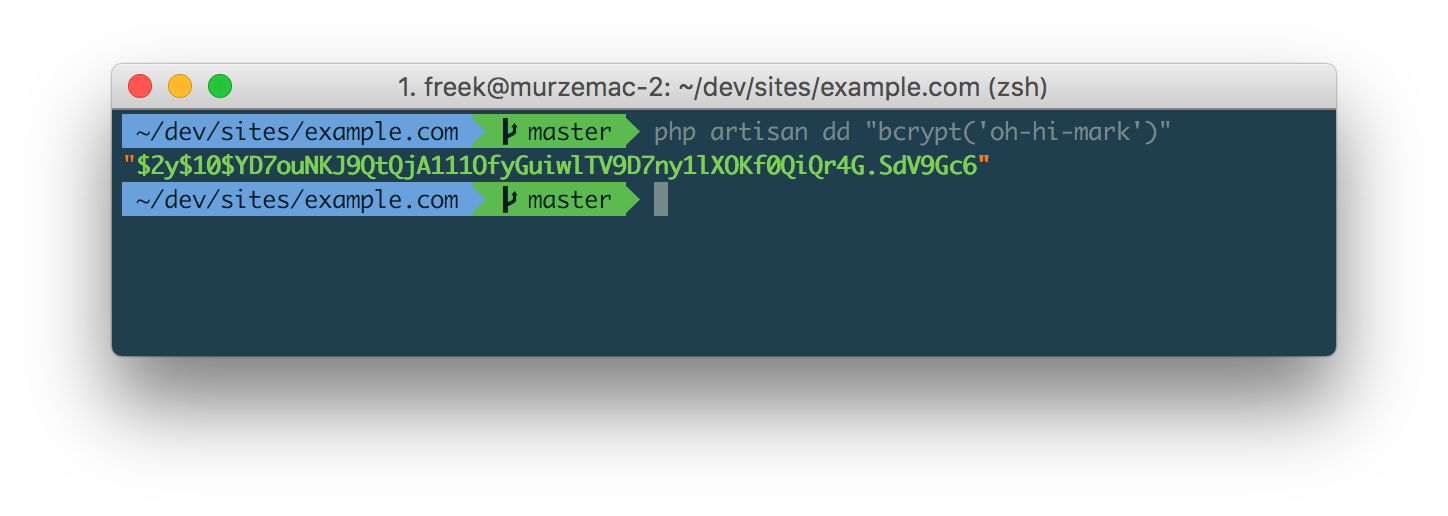
Here's a simple example of how you can use it:
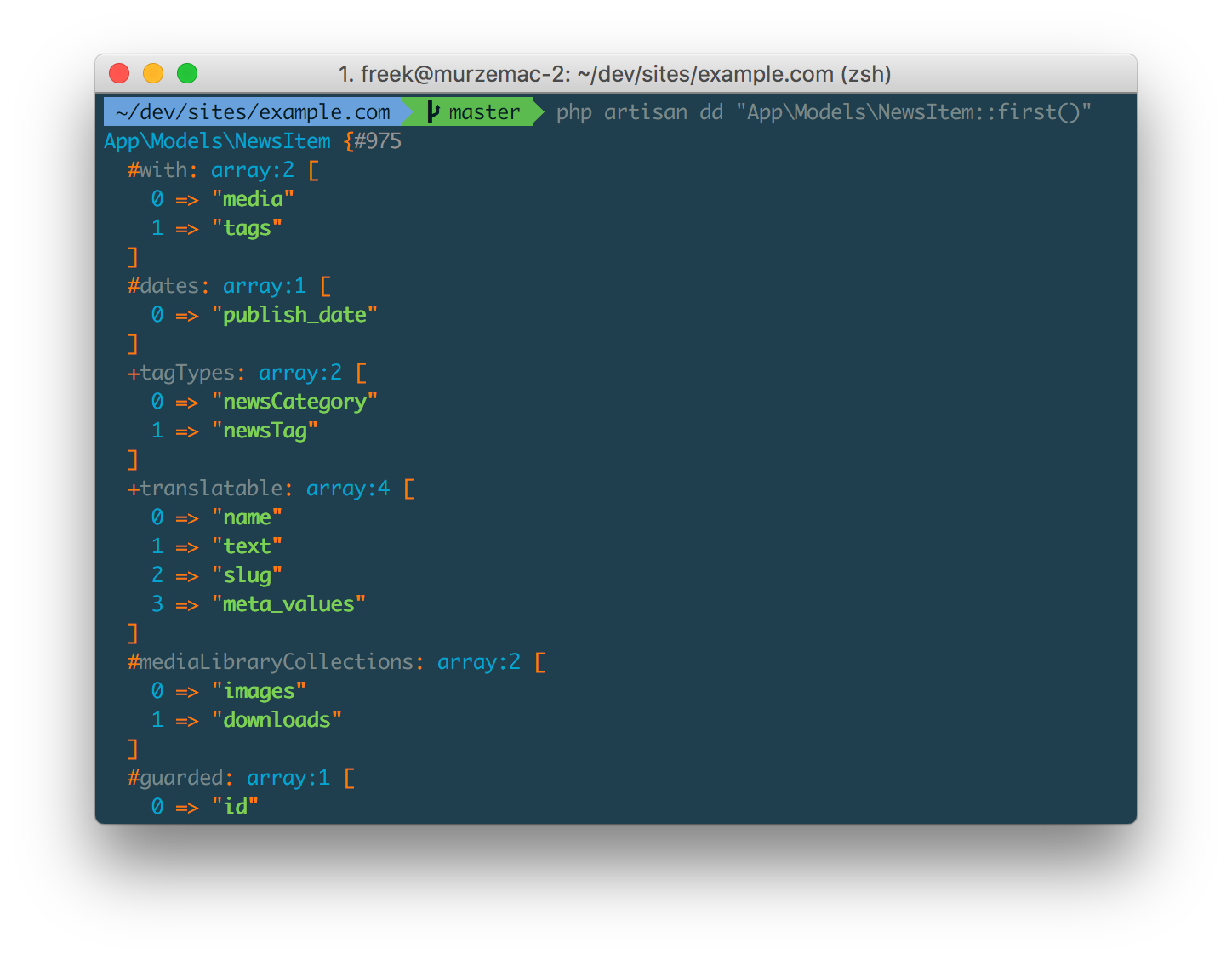
You can dd anything you want. Of course the output will be pretty printed. Here's an example where an Eloquent model is dumped.
Multiple pieces of code can be dumped in one go:
php artisan dd "bcrypt('secret')" "bcrypt('another-secret')";
The dd artisan command using PHP's eval to run arbitrary code. Be aware that this can be potentially dangerous. By default the command will only run in a local environment. You can make it run in other environments by setting an ALLOW_DD_COMMAND enviroment variable to true.
If you like this package go check it out on GitHub. This isn't the first package our team has made. Go check out this big list of Laravel packages on our company website to learn if we've made anything that could be of use to you.