How to upgrade from PHP 7.1 to 7.2 on MacOS using Homebrew original
by Freek Van der Herten – 1 minute read – Edit
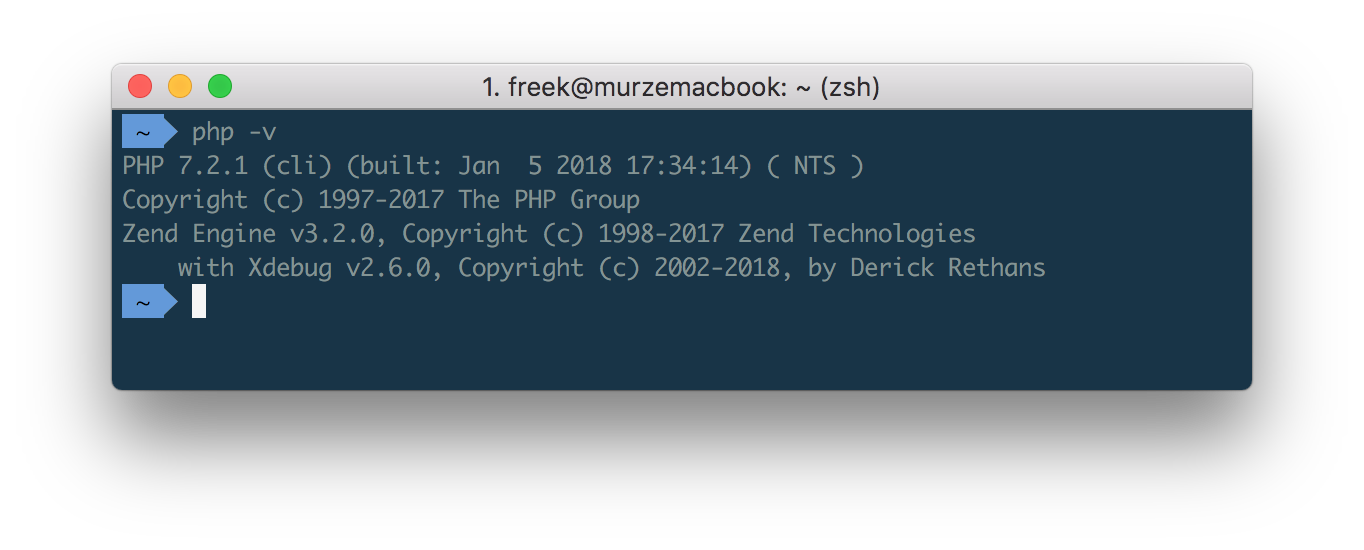
PHP 7.2 was released almost two months ago. I decided to wait a bit until a stable version of Xdebug with PHP 7.2 compatiblity was available. And that happened yesterday with the release of Xdebug 2.6.
I'm on MacOS and use brew to install stuff. Upgrading from PHP 7.1 to 7.2 is laughably easy. These are the steps that I performed:
brew tap homebrew/homebrew-php
brew unlink php71
brew install php72 --with-argon2
brew install php72-xdebug
Boom! Done!
If you need imagick or redis support, execute these two commands:
brew install php72-imagick
brew install php72-redis
And that's all there is to it.