Laravel Tail can now tail remote logs original
laravel-tail is one of my favourite packages. When installed in a Laravel app it can be used to tail the log file.
To tail a log file locally, you just have to issue this command:
php artisan tail
and it'll start tailing the latest log file (so it works for both daily and single log files). Any line written to the log gets displayed immediately on your console.
Recently, we released v4 of the package. A major new addition is that the package can now also tail remote logs. To tail a remote log, you just have to add a couple of lines to your .env file.
Here's an example for freek.dev:
TAIL_HOST_PRODUCTION=freek.dev
TAIL_USER_PRODUCTION=forge
TAIL_LOG_DIRECTORY_PRODUCTION=/home/forge/freek.dev/current/storage/logs
With that in place the remote logs can be tailed with:
php artisan tail production
You can use the --lines option to also view the last X lines already present in the log.
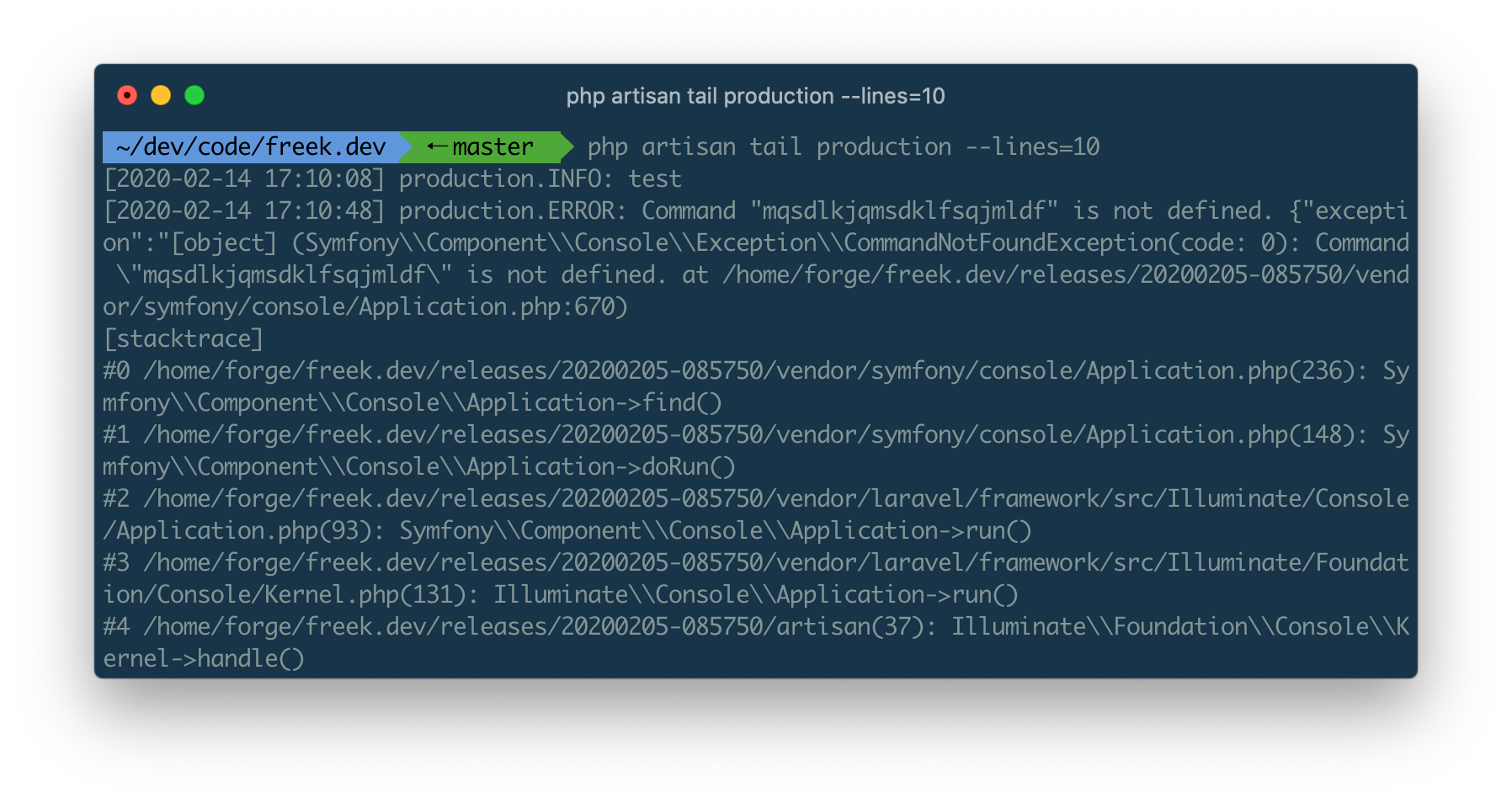
Behind the scenes this feature is powered by the SSH package we released last week.
To know more about the spatie/laravel-tail package, head over to the readme on GitHub.