Inline Parameters Extension for VSCode
If you’ve ever found yourself asking any of these questions and happen to use VSCode, maybe the new Inline Parameters extension will help you out!
Read more [liamhammett.com]
Posts tagged with vscode
If you’ve ever found yourself asking any of these questions and happen to use VSCode, maybe the new Inline Parameters extension will help you out!
Read more [liamhammett.com]
Dayle Rees, author of various popular books on PHP and Laravel, has recently blown new life into his efforts of creating IDE and terminal themes. He created themes for most of the popular apps out there including: PhpStorm, VS Code, Atom, iTerm2, ...
You can preview all the themes on: https://rainglow.io/
I've been using Dayle's Material Peacock for quite some time. Currently I'm digging white based themes and I'm on the GitHub theme.
Join 9,500+ smart developers
Get my monthly newsletter with what I learn from running Spatie, building Oh Dear, and maintaining 300+ open source packages. Practical takes on Laravel, PHP, and AI that you can actually use.
No spam. Unsubscribe anytime. You can also follow me on X.
"Freek’s newsletter is one of the best ways to stay updated with the Laravel and PHP ecosystem. It consistently highlights useful packages, tools, and ideas from the community, especially the amazing work coming from Spatie. As a Laravel developer building SaaS and web platforms, I find it extremely helpful to discover practical tools and insights that improve my development workflow."
In an absolutely fantastic post Caleb Porzio, engineer at Tighten Co., goes through his VS Code setup. He goes over his extensions, key bindings, must-have settings, ...
I’m using VS Code as my primary editor these days and am really digging it. My setup is by no means perfect, but I've made lots of little tweaks along the way that you may benefit from. I've set up these nifty categories, so feel free to jump around and try stuff out as you go, or come back later and use it as a reference.
http://calebporzio.com/my-vs-code-setup-2/
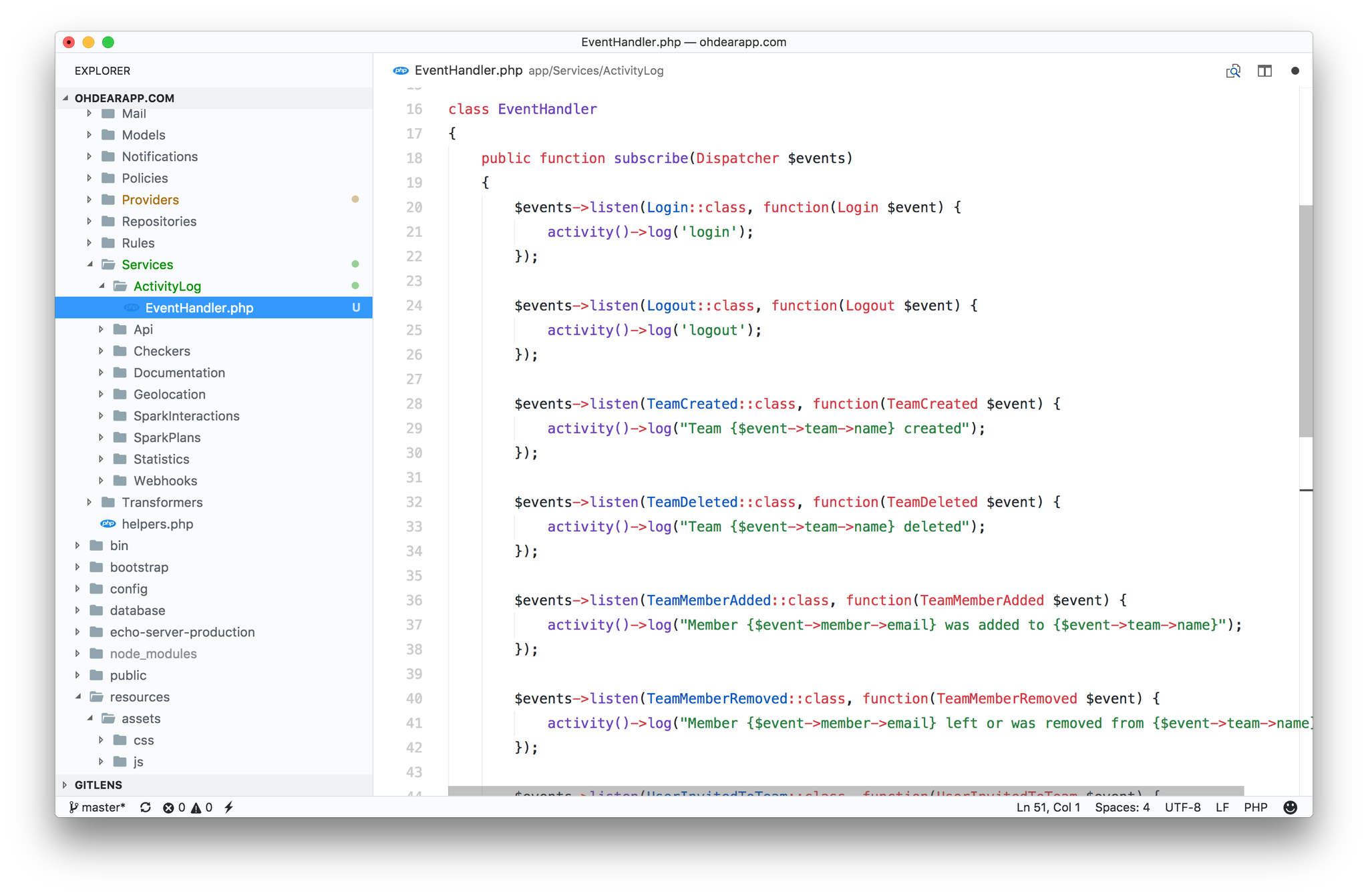
I've made the switch from PhpStorm to VS Code a couple of weeks ago and have been using it ever since. I like the speed improvements over PhpStorm, the zen feel, the xdebug experience, ... It just feels lighter (and I mean that in a good way) compared to PhpStorm.
If you want to give VS Code a shot too, go watch the free Visual Studio Code for PHP developers course on Laracasts.
Using @code and #PHP ? Considering removing $ from the editor.wordSeparators setting. That way you’ll select the entire variable (including $) when double clicking on one.
— Freek Van der Herten (@freekmurze) December 6, 2017
Thanks for the tip @sebdedeyne pic.twitter.com/RGcaCd74pE
Read more [twitter.com]
