Build UI's that don't suck
Christmas came very early! Adam Wathan published a new free course.
Read more [tailwindcss.com]
Posts tagged with ui
Christmas came very early! Adam Wathan published a new free course.
Read more [tailwindcss.com]
This site offers some good alternatives for modals
Read more []
Join thousands of developers
Every two weeks, I share practical tips, tutorials, and behind-the-scenes insights from maintaining 300+ open source packages.
No spam. Unsubscribe anytime. You can also follow me on X.
Here's a cool think you can do using the :target selector
Read more [mailcoach.app]
One of our goals for this year is to bring the UI of Oh Dear to the next level. Behind the scenes, our team is working hard on a complete rewrite of our marketing website and app.
Read more [ohdear.app]
– ryangjchandler.co.uk - submitted by Ryan Chandler
After integrating Tippy into a few projects with Alpine.js, I decided to write my own plugin to make the integration easier and the API a little nicer (x-tooltip and $tooltip).
Read more [ryangjchandler.co.uk]
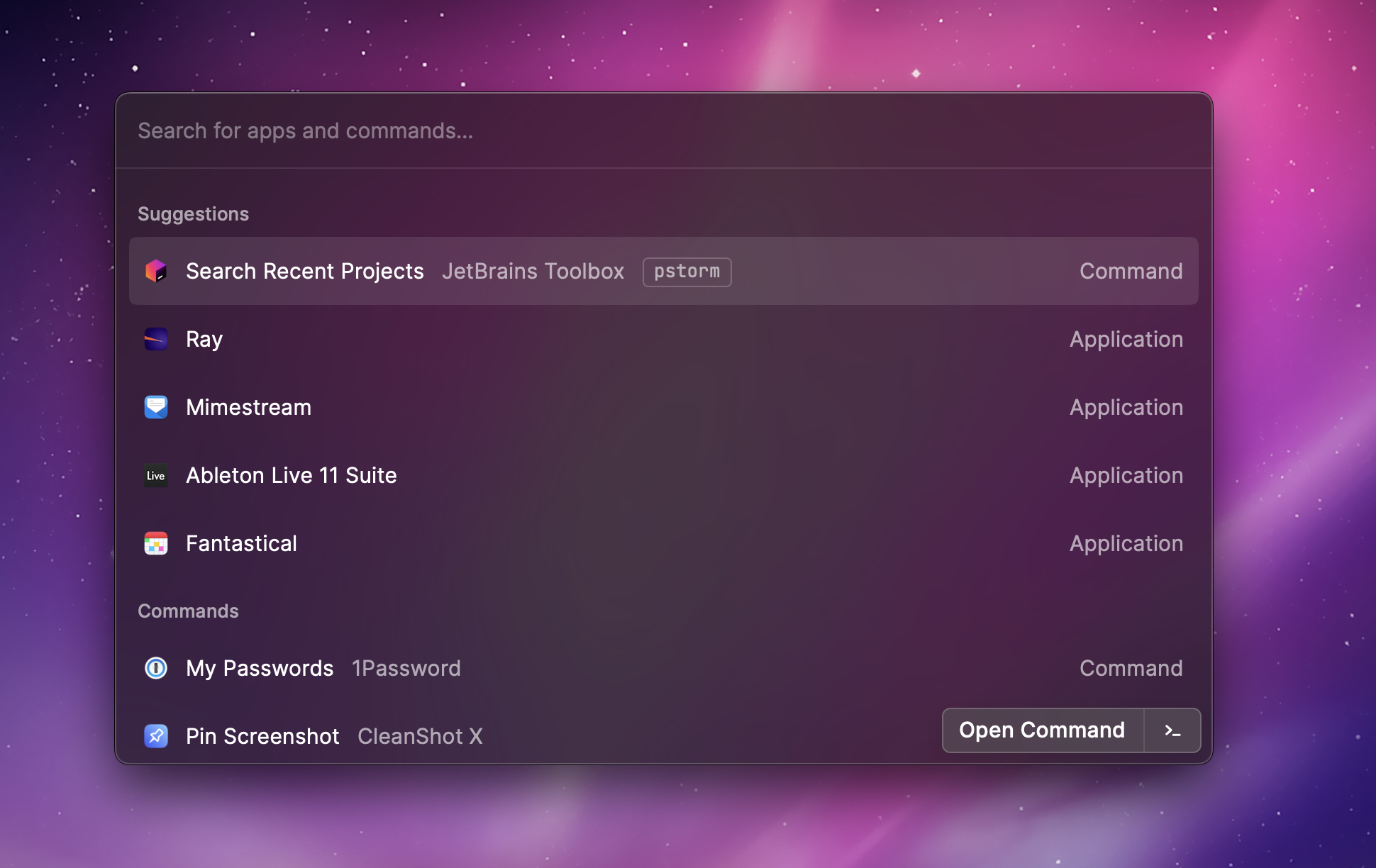
As developers, we tend to like shortcuts to speed up our workflow. One of the tools I'm using to speed up doing stuff on my Mac is Raycast. It offers a lovely command palette that allows opening apps and URLs, working with clipboard history, and much more.

Wouldn't it be nice to also add such a command palette to a Laravel app? This way, power users of your app can get around quickly and perform small tasks without having to click around.
The good news is that there's already a package to add such a thing: Spotlight by Philo Hermans. In this blog post, I'd like to show how we use this fantastic package at Oh Dear.
Here's a new blog post by our designer Nick on how he's revamping the looks of Oh Dear.
Read more [ohdear.app]
Here's Jess Archer showing how you can recreate the GitHub UI with Tailwind.
Learn how to use Laravel Spotlight to supercharge your web application with an easy-to-use command palette that your users will love.
Read more [philo.dev]
Learn how you can use Jetstream's out-of-the-box banner component to show flash messages to your users.
Read more [ryangjchandler.co.uk]
Dries Vints was a guest on my stream. He shared his newest project, called Blade UI Kit.
On their mutual Medium blog, Adam Wathan & Steve Schoger published an excellent post that offers 7 actionable tips to make your stuff look better.
It’s easy to throw your hands up and say, “I’ll never be able to make this look good, I’m not an artist!” but it turns out there are a ton of tricks you can use to level up your work that don’t require a background in graphic design. Here are seven simple ideas you can use to improve your designs today.
https://medium.com/refactoring-ui/7-practical-tips-for-cheating-at-design-40c736799886
In this blogpost by Tailwind CSS co-creators Adam Wathan and Steve Schoger share lots of actionable tips to improve the layout of your site.
Laravel.io is a forum and community portal for developers who use the Laravel PHP framework.
They recently launched a brand new version of the site, but being a volunteer-driven open source project, finding the resources to put together a really polished design can be tough.
We asked and got the go ahead to try our hands at a bit of a facelift, so let’s see what we can do to take the UI up a notch!
https://medium.com/refactoring-ui/redesigning-laravel-io-c47ac495dff0
? Little details go a long way when styling UI components. Here are a few different ways to style inputs: pic.twitter.com/1D2AYDwi1f
— Steve Schoger (@steveschoger) 18 oktober 2017
Read more [twitter.com]
Steve Schoger, a well known designer in the Laravel community, wrote down some good, actionable tips to improve your typography.
When I say typography, I’m not just referring to the font selection (although that is one important factor), I am referring to the entire composition of it. In this post, I’ve compiled a list of some important elements you can consider to create beautiful typography.Let's get started!
http://www.steveschoger.com/2017/07/19/6-tips-that-will-improve-your-typography-on-your-ui/
John Saito, a designer at Dropbox, wrote down some very useful tips to improve the text in your UI.
Technically speaking, I’m a writer. I get paid to write words. But here’s something most people don’t know about me: I hate to read. ... You see, I mostly write interface text for apps and websites. It’s a style of writing where brevity beats brilliance, and every character counts. Writing interface text is actually a lot like design—designing words for people who hate to read.
I bet you have a headache when you need to mark some menu item as active. Is there any good way to solve this? Yes, there is – route attributes.http://blog.krucas.lt/2015/07/active-menu-state-using-route-attributes/
Thomas Byttebier wrote down some of his thoughts on copywriting.
... copywriting is an often overlooked aspect of UI design. That’s a serious shortcoming, because if you come to think of it: most of an app’s user interface simply is text. Hide the icons, imagery or colors and every app or web site is basically just letters and numbers. There may be some data in there, a significant part of it is UI. It would be stupid not to take excellent care of it.http://thomasbyttebier.be/blog/copywriting-is-interface-design
Be sure to also check out his posts on icons and typography.